Stonemason software and CRM
RegiaPro is software for stonemasons who work to order, for families and building sites alike: on one side it produces quotes, work contracts and invoices, on the other the CRM remembers who asked for a price, which inscription is waiting for approval and when a fitting is due. “Stonemason” is already selected in the walkthrough below.


Built for more than 50 trades: this one is already set up for yours
Second fitting: Thursday
measurements and dates on the client record
Today in RegiaPro
Example with made-up data
12
Enquiries
+3 this month
5
Fittings booked
this week
€2,100
Deposits
+2 this month
Measurements taken and saved on the record
10 min ago
Second fitting booked for Thursday
yesterday
Job ready for delivery
yesterday
- Free for 14 days, no card needed
- Works in the browser, on your phone too
- Calendar synced with Google and iCloud
- WhatsApp messages already written
- Invoices from your Fatture in Cloud, from the Pro plan
- Public prices, the same for everyone
Type of work
What do you do? If you can’t find yours, the last option is just fine.
What do you need? The basics for stonemason software and CRM are switched on. Switch on what you really need: we pick the plan from here.
Your RegiaPro is ready.
Tap a plan: below you see what is inside.
There is only one price list. Photo galleries come with every plan: if you don't deliver photos you simply don't open them, and the price stays the same. Compare all the plans
What you get with
The menu
An enquiry record
The fields of your trade are highlighted
The stages of the job
Where every job stands, at a glance
Through the same workshop come a family choosing a headstone for a parent, a joiner waiting for the worktop to finish a kitchen, and a builder who wants the stairs for a block of flats by the end of the month. Three ways of talking, three timescales, three ways of paying. Stonemason software is there to give each of them the right answer at the right time, with figures and dates in writing. RegiaPro runs in the browser, on the workshop computer or on your phone outside the cemetery, with a subscription from €19.90 a month.
What you’ll find inside RegiaPro: from measurements to delivery
One program for clients, fittings, documents and payments. Tap a card to see how it works.
-
One record per client
Calls, quotes, contracts and payments in date order: when they call back six months later, you know at once where you left off.
The Lead module -
Who to call back today
Every morning, the list of people to get back to, with the WhatsApp message already written. It goes from your own number, when you decide.
Follow-ups and messages -
Quotes from your own template
The PDF with your logo, sent as a link: you know when it was opened. If there is no reply, the program brings it back to you after 3, 7, 14 and 30 days.
The quote -
The contract without retyping
It comes from the accepted quote, with the details already in, and comes out as a PDF ready to sign. From the Pro plan.
Which plans include it -
Measurements and fittings
Measurements in the client’s record, fittings with their dates, right up to delivery.
How it works -
Several versions of the quote
The client changes their mind? From the same record you prepare a new quote with its own number: the earlier one stays as it was.
The quote -
Deposit, balance and invoice
Deposit and balance are recorded separately, each with its own date. The invoice comes out of the record with numbering that carries on by itself: from the Pro plan, with the XML file from the Studio plan.
The plans compared -
The calendar you already have
Appointments and jobs in your phone’s calendar: RegiaPro connects to Google Calendar and iCloud.
The connected calendar -
What is really left
A job’s costs come off that job, the business costs off the year: in December you know what is left, not just what came in.
The figures of each job -
From your phone, on site
It works in your phone’s browser: open the client’s record and attach photos and documents, up to 15 MB each.
How it works
RegiaPro up close: the real screens
This is what the program looks like inside. Sample data: the clients, the jobs and the amounts are made up.




Stonework in your business software: families, kitchens and building sites
RegiaPro suits the craft stonemason with a workshop, a couple of people between the saws and polishers, and fitting done in-house. The work falls into four strands.
Headstones and memorials
Headstones, grave covers, family mausoleums, restoration of existing memorials. You’re dealing with a family at a difficult time, often referred by a funeral director, and every engraved word has to be approved.
Stone kitchen worktops
Marble, granite, quartz and natural stone cut to the template taken once the units are fitted. The job depends on the joiner or kitchen company, and the date moves with theirs.
Stairs, thresholds and sills
Cladding for internal stairs, thresholds and window sills for a whole building. You work for builders and architects, with measurements taken on site and payments tied to progress.
Vanity tops, shelves and thresholds to replace
A vanity top, a shelf, a broken threshold to replace: short jobs, often out of town, where travel eats into the profit.
The value of having everything in writing, from headstone to worktop
With families, sensitivity and precision matter; with building sites, dates and invoices. The management side of RegiaPro keeps quotes, contracts, deposits and invoices; the CRM side keeps the people, who sent them and the right moment to get back in touch.
Day one: headstones to fit and worktops to measure
Enter the jobs already signed: headstones to fit, worktops to measure, open building sites. Each record with the client, the amount, the deposit received and the planned fitting date.

CRM for stonemasons: families, builders and funeral directors handled with care
Memorial work calls for a different way of working from building sites. In the RegiaPro CRM the two sit side by side, and you decide the tone and the timing.
Funeral directors, kitchen companies and architects who send work to the stonemason
On the record you note the source: a funeral director, a kitchen company, an architect, word of mouth. The Report shows you which of these partnerships bring in confirmed, paid jobs.
Who gets the invoice for the headstone or the stairs
With a family you might deal with one son while the invoice goes to a brother; with a building site you deal with the surveyor and invoice the builder. In the “Who the documents are addressed to” box you enter the payer’s details, private individual or company with a VAT number; the stonemason’s quote and contract carry the name of whoever came into the workshop.
The pace of a family choosing a headstone
Three days after the quote, then seven, then two weeks and finally a month, the family reappears among the contacts to get back to: it’s a reminder only you see, and what to write to the family, and when, stays your choice. If the family asks you to get back to them after the holidays, you move the job to “Negotiating” and set the follow-up date they gave you.

The software’s Tasks page, filled in with test names from another trade: for each person to call back there’s the chaser text, the button that opens WhatsApp and the ones to note whether the message went out, whether the family replied or has gone quiet.
Permits and cemetery dates
The fitting day is the record’s date and, once the job is confirmed, it goes into the calendar linked to Google or iCloud. In the important note you write what has to be done first, such as collecting the permit or booking access to the cemetery: the reminder arrives seven days before the fitting.
The trip to the cemetery or the building site
Village cemeteries, sites in another town, kitchens up in the hills: by entering on the record where the work is, you get the travel cost, there and back, based on the per-kilometre and hourly rates you choose. In the Report it counts towards the year’s travel.

Headstones in your business software: from the family’s first visit to the fitting
Let’s follow a headstone through RegiaPro and the three approvals that make it happen: the price, the inscription, the contract. It’s an example with invented people, dates and figures; it doesn’t concern any real family or workshop.
Mrs Anna in the workshop, 20 October
Mrs Anna comes into the workshop, referred by a funeral director: her father passed away in September and the family wants a grey granite headstone. You open the record with name, phone and source “funeral director”. In the notes: niche measurements provided by the cemetery, grey granite, bronze lettering, a ceramic photo, a flower vase.
First approval: the price, 22 October
On the record you enter €2,300; the quote comes out as a PDF with the stone workshop’s logo. In the note, printed below the total: polished grey granite slab with bevelled edge, name and dates in bronze lettering, oval ceramic photo, bronze flower vase, fitting included. Mrs Anna receives it by email. A few days later she asks how much white marble would cost: a second quote for €2,650 is created from the same record with its own number, and the granite one stays as it was. The family chooses granite, and the record amount goes back to €2,300.
Second approval: the inscription, 29 October
You prepare the draft with name, dates, epitaph and photo position in your usual design program. Mrs Anna reads it through at home with her brothers, corrects the accent on a name and on the 29th signs the final printed version. You attach the signed scan to the record, along with the original photo chosen for the ceramic.
Third approval: contract and deposit, 31 October
From the Pro plan you prepare the contract from the workshop template: it’s titled “Work order” and states that only the approved, attached inscription is engraved, that the fitting date depends on the council’s permit and that changes after engraving are charged separately. RegiaPro fills in name, fitting date, total, deposit and balance. Mrs Anna signs and pays €700 by bank transfer: you log the deposit and set the record to “Confirmed” with fitting on 12 December, which also appears in your calendar.
Granite and bronze lettering in the workshop, November
The slab and the bronze lettering cost you €820: they go under out-of-pocket costs with the note “granite and bronze”. The ceramic photo is made by an outside lab, which appears on the record as a collaborator at €90. In the important note you write “collect the permit and book cemetery access”: the reminder arrives on 5 December.
Fitting the headstone, 12 December
The cemetery is in another town: the travel calculated on the record comes to €36. The day before, you send Mrs Anna a restrained message from your WhatsApp texts with the fitting time, in case the family wants to be there. After the fitting Mrs Anna pays the €1,600 balance; from the Pro plan you prepare the €2,300 invoice, made out to the brother who paid.
This headstone in summary (invented data)
- price €2,300, received as a €700 deposit and a €1,600 balance;
- costs logged on the record: €820 of materials, €90 for the ceramic photo, €36 of travel;
- with the figures on the record the stonemason keeps €1,354, before tax and polishing hours;
- the record holds two quotes, the signed draft, the contract and the invoice.

How much a headstone costs: the quote for a family, item by item
“How much does a marble headstone cost?” is the question many families arrive with. A clear figure, explained in plain words, avoids going back over it at an already heavy time.
The headstone price and, below, the explanation
The agreed price goes on the headstone record; the quote note lists material, finish, size, lettering, accessories, fitting. In the PDF the family reads the total figure first, then the explanation.
Bronze or engraved lettering
Applied bronze lettering or lettering engraved into the stone change the price: if the family wants to compare, you prepare a quote for each option, each with its own number.
The headstone’s ceramic photo
Size, shape, frame. If an outside lab makes it, you log its cost on the record as a collaborator, and in the Report it’s added to the workshop’s costs.
Flower vases, lamps and fitting at the cemetery
You write accessories and fitting in the note, one per line. If the fitting is in another town, the travel calculated on the record helps you avoid working at a loss.
VAT on the headstone quote
If you charge VAT, RegiaPro works it out from the price quoted to the family, and the PDF total stays the same. On Italy’s flat-rate tax scheme the document comes out without VAT.
Headstone engraving: the inscription to approve before engraving
A wrong letter in stone can’t be erased. That’s why, before engraving, the inscription goes through a draft signed by the family, and that draft has to be easy to find.
Names, dates and epitaph
In the record’s notes you write the inscription as the family dictated it, with the date. After each correction you add a new line, so it’s clear which version is the latest.
The epitaph draft signed by the family
You prepare the design draft as usual; you photograph or scan the signed version and attach it to the record, as a PDF or image, up to 15 MB. On engraving day you open it on your phone, next to the stone.
The contract that refers to the epitaph draft
In the contract template, included from the Pro plan, you can state that only the inscription on the signed draft is engraved. Name, dates and amounts come from the record: the rest of the text is whatever you chose.
A name to add to the same headstone
When the family comes back to add a name to the same headstone, just type the name or number into search to reopen the old record with the draft, the material and the lettering type. The new job starts from a new record.
Want to see it with your own work?
Fourteen days with the Full plan features, no card needed. Then you decide.






Free photos from Pexels and real screenshots of the software, with made-up data.
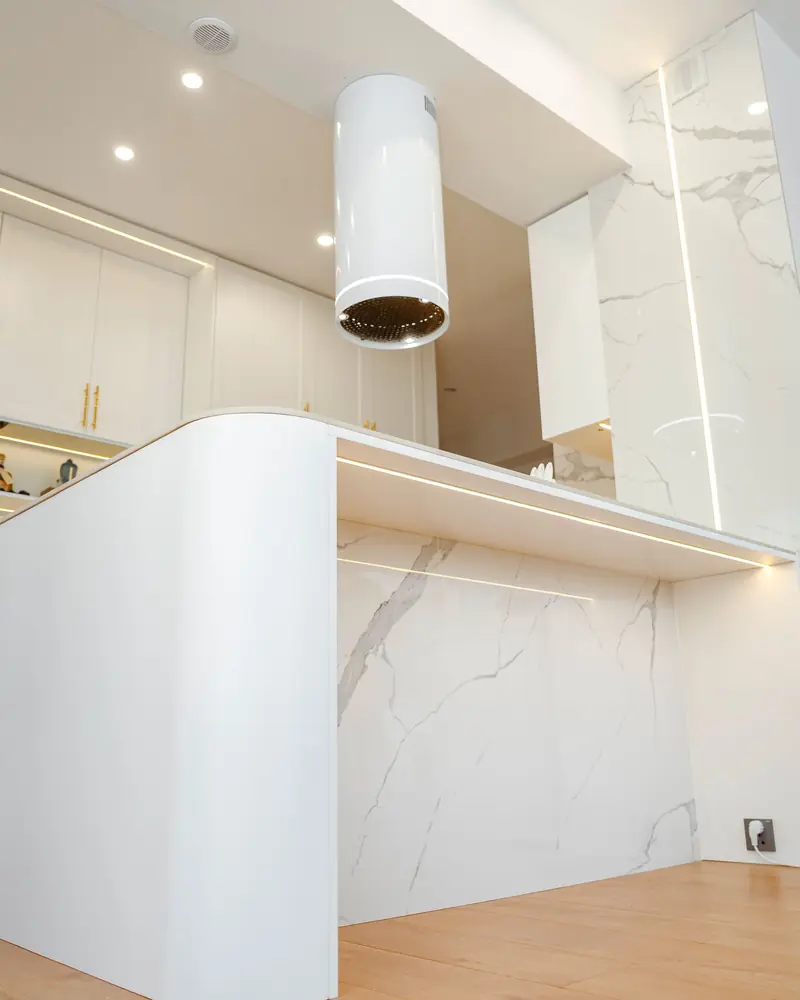
Marble kitchen worktops, stairs and sills: jobs with the joiner and the builder
Here the stonemason isn’t talking to a family but to other trades and building sites. Dates depend on whoever works before you, and payments often on a builder.
The kitchen worktop and the template
The worktop is measured once the units are fitted. On the client record the date is the worktop fitting: if the joiner runs late and you move the appointment from your phone, a few minutes later the date on the record changes by itself.
The quote for a marble worktop
In the quote note: material and thickness, finish, edge, cut-outs for sink and hob, upstand, fitting. If the client can’t decide between granite and quartz, two quotes from the same record.
Marble stairs for a block of flats
One record for the site, with the surveyor as contact and the builder as the invoice addressee. In the notes the measurements of risers, treads and landings; among the attachments, photos of the site.
Sills and thresholds paid by progress
When the builder pays in instalments, the first payment is the deposit and the others are balance instalments, each with its own date. The record tells you how much is still due from the site, with no separate spreadsheets.
The kitchen company that sends you worktop clients
You log it as the source on each record: at the end of the year the Report tells you how many paid jobs came from that partnership.
Stonemason software: slab stock, company ERP or CRM?
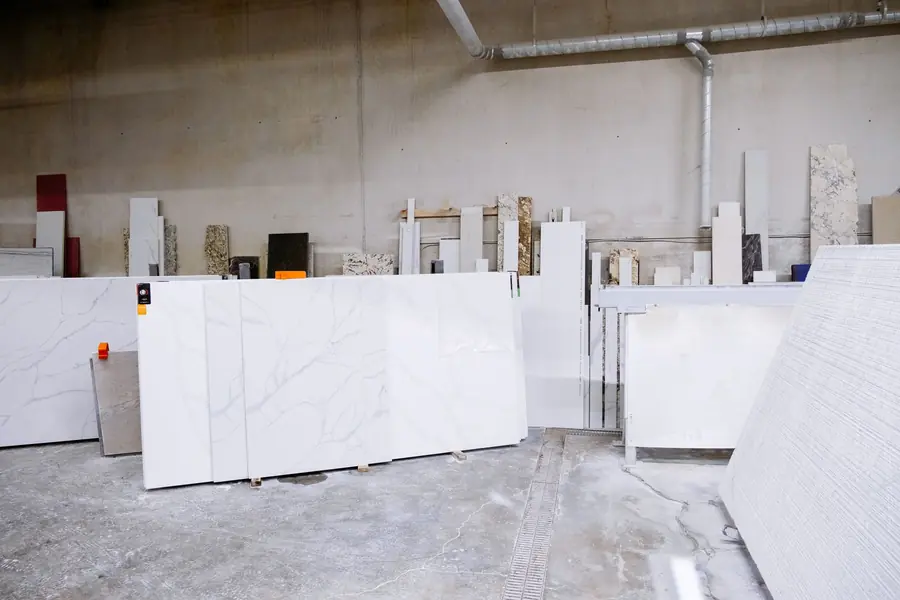
Before writing this, on 14 September 2026, we opened the top sites that come up when you search for “stonemason software” in Italian. What comes up is management software for stone companies, programs for slab and block stock, and pages of generic craftsman software that’s the same for several trades. None of the pages we read mentioned headstones or memorial work.
| Slab and block stock | Management software for stone companies | RegiaPro, business software and CRM | |
|---|---|---|---|
| Who it's for | Workshops with many slabs to catalogue and show | Sawmills and processing companies | Craft stonemasons who work to order for families and building sites |
| What it handles | Slabs with photos, availability, price lists | Accounting, stock, documents, production | Clients, quotes, signed drafts, contracts, deposits, fittings in the calendar, invoices, job costs |
| Price | On one page, €299 or €399 a month | Not stated on the page we read | From €19.90 a month, published |
| How to try it | 14-day trial | Sales contact | 14 days on the Full plan |
RegiaPro works well for your stone workshop if you
- deal every week with families, joiners and builders;
- want quotes, approved inscriptions and contracts always on the right record;
- want the price, materials and outside work for each headstone on the same record.
What the stonemason gets straight away
- a record for each job, with photos, drafts and documents attached;
- a PDF quote for each headstone and, with Pro, a filled-in work contract and invoice;
- fittings in the calendar, travel worked out, WhatsApp messages ready.
How to start: three steps, no card needed
You sign up, try it on your real work, and only decide at the end.
-
Sign up in a minute
Your name, your business name and your email. We don’t ask for a credit card: access starts when you confirm your email.
Start the trial -
Set it up for your trade
Menus, record fields and job stages speak your language. You connect the calendar you already use.
Choose your trade here -
Try everything, then choose
Fourteen days with the Full features. At the end you choose a plan, or you stop: nothing renews on its own.
See the plans
How much RegiaPro stonemason software costs
RegiaPro’s prices are published on the website. A stone workshop usually needs Start, Pro or Studio, after the trial days.
Start for the stone workshop that’s just beginning
€19.90 a month, €199 if you pay for the year in one go. Unlimited client book, reminders for clients to get back to, WhatsApp texts and ten quotes a month.
Pro for the stonemason with fittings every week
€34.90 a month, €349 if you pay for the year in one go. With Pro you get PDF contracts with the workshop’s terms, and the workshop’s invoices in number order, filled in with the details of the family or builder who pays.
Studio for the stonemason with e-invoicing
€59.90 a month, €599 if you pay for the year in one go. On top of Pro it adds XML files for Italy’s SdI system and, in January, a single package with twelve months of invoices for whoever keeps your books.
Fourteen-day trial with your next headstone
All of Full, no credit card required. Access for the workshop opens by itself as soon as you confirm your email.
If, besides stone, you also archive photo shoots and videos for clients, consider Full (€44.90): the RegiaPro pricing page shows the differences line by line.
Why you can trust it: your data stays yours
What matters before you put your clients into a new program.
Your data stays in Europe
On servers in Europe. Each business sees only its own data: the database itself enforces the separation.
If you stop, your data stays yours
The account goes read-only and nothing is deleted unless you ask. We send you a copy in a readable format.
Prices written up front
A public price list, the same for every trade: you can read it on the pricing page before you sign up.
You talk to a person
Born in a studio in Tuscany, not in an office. Write to info@regiapro.it or use the contact page.
Stonemasons’ FAQ on business software and CRM
How do I record that a job came from a funeral director?
You type the source on the record yourself, for example with the name of the funeral director who referred the family. In the Report you see how many confirmed jobs and how much income came from each source, and you know which partnerships really count.
Can I attach the epitaph draft signed by the family?
Yes. You photograph or scan it and attach it to the record as an image or PDF, up to 15 MB. It stays next to the quote and contract, and on engraving day you reopen it on your phone to check every line.
Are the reminders to get back to a family automatic?
The reminder only comes to you: the record reappears among the people to contact, and whether and how to write to the family is up to you, in the words you think right. If you’d rather wait for a specific moment, set it to “Negotiating” and choose the date.
How do I put bronze lettering and a ceramic photo in the quote?
On the record you enter the headstone total; in the quote note you describe material, lettering, ceramic photo, accessories and fitting, one item per line. The family receives a document that’s easy to read: first how much they spend, then what it includes.
How do I put the cemetery fitting in the calendar?
The fitting date and time are the record’s. With the headstone confirmed, the fitting appears in the Google Calendar or iCloud you’ve connected, and the important note reminds you a week ahead of what’s needed, such as the council permit.
The worktop fitting depends on the joiner: what if the date changes?
You move the appointment in your phone calendar and, a few minutes later, RegiaPro updates the date on the record. If you prefer, you change it directly on the record and the calendar updates accordingly.
Can I invoice the builder for a site’s stairs and get paid in instalments?
Yes. In the payer details you enter the building firm: company name, VAT number and e-invoice recipient code, or the certified email (PEC). You log the first payment as a deposit, the following ones as balance instalments; from the Pro plan the invoice is prepared on the job amount.
How do I see how much I keep on a job?
Slabs, bronze and adhesives go under the record’s out-of-pocket costs, outside work in the collaborator field, and travel is calculated from where the job is. On the record you read them next to the price of that headstone or worktop; the Report gathers them into the workshop’s costs, year by year.
Content written on 14 September 2026 and checked that day in the software, feature by feature; Mrs Anna, her family and the headstone figures are an invented example; for slab stock programs and stone company software we report what their websites published on the same date. If the software behaves differently in your workshop from what’s written here, just email info@regiapro.it and we’ll correct it.
Try RegiaPro on your next headstone or worktop
Open the record for your next headstone or worktop and follow it through to the fitting: in two weeks you’ll know whether quotes, approvals and payments take up less of your time. The trial has Full fully switched on; choosing a plan comes afterwards.
Trades that work alongside yours: joinery software, construction business software, restorer business software. All the others are on the who it’s for page.