





The client gallery that delivers the photos, and tells you which ones they want
Delivery stops being a link that dies after seven days and a phone call with numbers read out loud. It becomes a gallery of yours, with your name on it, where the client marks the photos they want themselves.
The problem is not delivering. It is what comes after.
Anyone can upload photos somewhere. What eats your time comes after: the expired link to reissue, the couple calling to dictate "1447, 1503, the one where my mother is laughing", the relative asking for their own separate set, and three rounds of messages to work out which photos to print.
- The WeTransfer link dies after seven days, and you do it again.
- They dictate the favorites over the phone, and you write numbers down.
- If they do not pay the balance, the link stays alive anyway.
- Inside every shot travels the GPS location, and nobody thinks about it.

Real screenshot from the software. Names are made up.
From folder to link, in four steps
The gallery is built by following a row of numbered steps, not by hunting for settings scattered across a panel. Every step tells you where you are.
- 1
Folder and photos
You create the folders the way you think of them — ceremony, reception, portraits — and upload. The upload shows progress and can be paused and resumed: on a wedding with hundreds of files that is not a detail.
- 2
Cover
Choose the photo people see first, both portrait and landscape.
- 3
Style and settings
The template, the background, the header with your logo and your contact details, downloads on or off, watermark on the photos. And this is where face grouping lives.
- 4
Preview and publish
You look at the gallery the way your client will see it, before you send it. Then you copy the link.

Real screenshot from the software. Names are made up.
They mark the photos they want themselves
This is the feature that gets rid of the phone call. The client opens the link, looks through it in their own time, and marks the photos they want — from the sofa, on their phone, with their mother next to them adding three more. When they are done, you find a list already made inside the gallery: no numbers written down, no confusion over which one is "the one where she is laughing". Favorites are included from the Start plan up.
Why it matters more than it sounds
Selection is the point where a delivered job stalls for weeks. Until you know which photos they want you do not print, you do not deliver the album, you do not close the job and you do not collect the balance. Shortening that step does not save you a phone call: it gets you paid sooner.

Real screenshot from the software. The menu is grouped by the modules you bought: galleries sit under RegiaPro Gallery.
Face grouping, and why it is off for guests
RegiaPro groups photos by person: you press Find the faces and the faces appear as round icons down the side. Click a face and you see every shot they are in, without scrolling three thousand photos. At a wedding it lets you find every shot of the witnesses or the grandparents in two minutes. It switches on from the Full plan up, and during the fourteen-day trial.
This is the part to read in full
Face signatures are biometric data: European regulation puts them in the same category as health data. Most of the people recognized in wedding photos are the guests, who have signed nothing with you — the clause in the contract covers your relationship with the couple, but it is not consent from the people in the pictures.
So grouping starts life as a working tool for you: until you switch it on yourself, gallery by gallery, whoever opens the link sees nothing different. It is off to begin with, and RegiaPro tells you to talk to a lawyer before switching it on.
- No names anywhere. Groups carry no labels and the software never guesses who anyone is: you recognise them by the face.
- The signatures can be wiped in one go, gallery by gallery, without touching the photos.
- Groups do not leave the gallery: the same person in two galleries makes two separate groups, and they are never linked to each other.

Real screenshot from the software. The orange warning is not marketing copy of ours: it is what the photographer actually reads before using the feature.
And the photos your guests took
Every gallery can open a collection for the guests: it is called Live Moments. You print a little square to scan, guests scan it with their phone and send their photos — with nothing to download and no sign-up. You look at what arrives and decide: the photos you approve appear in the couple’s gallery, in a «Guests» section kept apart from your work. It switches on from the Full plan up, and during the fourteen-day trial.
- No app to install and no sign-up for the people sending photos.
- Three ways to publish, and you pick: you look at them first — that is how it starts — or they appear straight away on a wall everyone sees, or they appear straight away but the program checks the words guests write.
- The guest book: guests leave the couple a message.
- Guest photos never touch yours: separate space, separate folder.
- Videos too, not just photos: they are shrunk inside the phone before they leave, the way WhatsApp does it — a 61 MB video leaves at 29. And if the venue’s network drops, it picks up where it stopped.
- Six sheets ready to print, from an A4 poster to a pocket card, with your logo, your colours and your typeface.
- If you want, a number to get in and an opening and closing time. The bell inside RegiaPro tells you something has arrived: one single line, even when forty photos came in. Not an email.
And the event photos, for sale to the people who were there
Any gallery can become a gallery for sale, with a single switch: it is called the Photo Shop. You print the QR code RegiaPro prepares for you, and guests and participants find their photos, pay by card and download them without the watermark. It works on every plan: RegiaPro keeps 12% on Free (never less than the card fees), 3% on Start and Pro and 0% on Full and Studio, plus card fees.
- By number or by day the people who were there find their photos, on every plan. On Full also with a selfie, which is never saved.
- Sign, table card and race bib with the QR code, ready to print in your colours.
- Watermarked previews: the clean photo arrives only after payment.
- Minimum order €5; on Free, minimum €0.50 per sale. The money arrives in the account you connect, with the percentage already taken off.
Prints and albums, ordered from the gallery
From their gallery the client orders prints, canvases, posters and albums, and pays online. They can lay out the album themselves, or you put it together from the photos they chose. It’s on every plan, Free included.
- You set the markup, product by product: the price the client sees is yours.
- The parcel ships in your studio’s name, anywhere in the world.
- The client pays for shipping: €9.90 for standard delivery in Italy. They see the price and the delivery days before paying.
- No stock and no parcels to pack: RegiaPro takes care of printing and shipping.
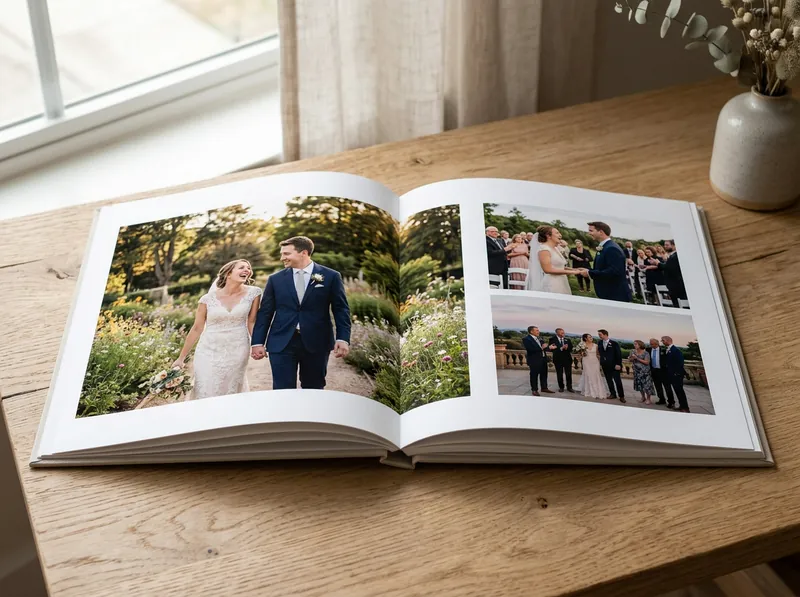
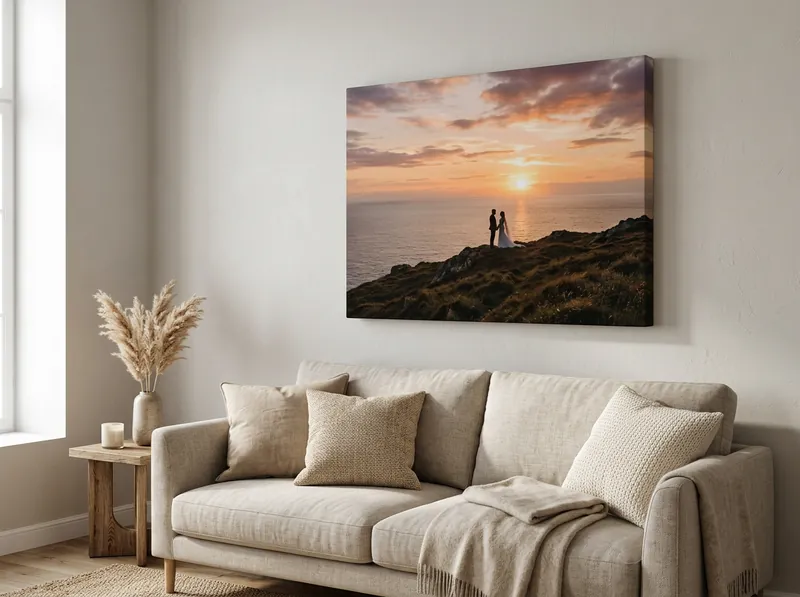
Sample photos created with AI: these people do not exist.
What never leaves a gallery
A wedding gallery holds photographs of dozens of people, often children. It is not a folder of files: it is personal data belonging to people who have signed nothing with you.
The original
Only reduced-size versions, made by RegiaPro, reach the browser. The file that came out of the camera stays where it is.
The GPS location
Cameras write it into every shot. At a wedding that line says where the bride lives: it is stripped from the published copies.
The photos, after revocation
If they do not pay the balance, you revoke the link: from that moment nothing shows any more, not even the individual photos someone had saved off to one side.
Your data, if you stop
The plan goes read-only and the gallery is paused after 30 days. Nothing is deleted.
The gallery is yours, not ours
The client should feel they are in your house. How far that goes depends on the plan.
| Start | Pro | Full | Studio | |
|---|---|---|---|---|
| Galleries live at once | 15 | 40 | 70 | unlimited |
| Photo storage | 100 GB | 300 GB | 450 GB | 1.5 TB |
| Video storage | 5 GB | 40 GB | 300 GB | 500 GB |
| Extra space | 100 GB of photos: €5 a month 50 GB of video: €8 a month | 100 GB of photos: €5 a month 50 GB of video: €8 a month | 100 GB of photos: €5 a month 50 GB of video: €8 a month | 100 GB of photos: €4 a month 50 GB of video: €8 a month |
| Do the photos ever get deleted? | never | never | never | never |
| Favorite picking | yes | yes | yes | yes |
| Your branding | logo | logo + colors | logo + colors | logo + colors |
The numbers come from the price list, and an automatic check makes sure the site and the price list never drift apart. Compare the plans row by row →
The gallery templates
How the photos sit on the page your client opens. One click to choose, change it whenever you like, and the same gallery holds your films too.
- Mosaic Four columns, every photo keeping its true shape When there are many photos, of many different shapes.
-
The layout, drawn. The photograph will appear here once the previews are ready.
The starting template, the one closest to leafing through an album.
Nothing is cropped: a portrait stays upright, a panorama stays wide. Photos flow down four columns, each keeping its true shape.
- Four columns on a large screen, three on a tablet, two on a phone.
- It is what every new gallery starts with: if you do not choose, this is it.
- With many photos it is the quickest to scroll without cropping a single one.
- Full rows Rows of equal height, straight right-hand edge When you want the craft to show, not the effect.
-
The layout, drawn. The photograph will appear here once the previews are ready.
Every row ends exactly where the page ends.
Rows of equal height, no photo cropped, and a right edge that always stays straight. It is the professional gallery template: orderly without being rigid.
- Three or four photographs fit in one row, depending on their shape.
- The space left over in a row is shared between the photos in their own proportions: they all end at the same height, and none has to be cropped.
- The last row is not stretched: a single leftover photo keeps its own size.
- Magazine One photo takes the lead, then alternating rows When one photo stands on its own.
-
The layout, drawn. The photograph will appear here once the previews are ready.
An opening photo, then alternating rows.
The first photo takes the full width, like the opening spread of a glossy magazine feature. Below it, rows of two: one wide and one narrow, swapping places row after row.
- You choose the opening photo: it is the first one in the order.
- It needs a photo that stands on its own: without one, this template gives less than the others.
- On a phone the opening stays large and the rest go two to a row.
- Collage Asymmetric composition, mixed sizes For lively shoots: parties, reportage, backstage.
-
The layout, drawn. The photograph will appear here once the previews are ready.
Mixed sizes, with no regular grid.
Tiles of different sizes fitted together. The pattern repeats every seven photographs: long enough that you never catch it repeating.
- One to three to a row, depending on the size of the tiles.
- The large photograph takes half the width, with two more beside it.
- For parties, reportage and backstage: where the disorder is the story.
- Story One photo at a time, full width For a short, strong selection. Not for three hundred photos.
-
The layout, drawn. The photograph will appear here once the previews are ready.
One photo at a time, with room to breathe between them.
You scroll and look at one photograph at a time, large. No borders, no frames, nothing around it. It is the slowest of them all, and that is the point.
- One photograph per screen.
- For a short, strong selection: twenty or thirty photographs.
- With three hundred photographs it becomes an endless scroll: there you need another template.
- Square All the same size, like a contact sheet For letting someone choose: contact sheets, first cuts, long lists.
-
The layout, drawn. The photograph will appear here once the previews are ready.
It is not an album: it is an index.
Every photograph cropped square, all the same size, like a contact sheet. It is for when the point is to find something fast, not to admire it.
- Six or seven to a row, depending on how wide the screen is.
- It is the only template that crops photographs, and that is its job.
- For letting someone choose: contact sheets, first cuts, long lists.
- Fixed column The index stays put on the left, the photos scroll on the right When there are a great many photos, split into folders.
-
The layout, drawn. The photograph will appear here once the previews are ready.
The list of folders stays in front of you the whole time.
It is the only template where the page is not a single column. On the left a narrow strip that does not move as you scroll; on the right the photographs, as wide as the screen.
- With a thousand photographs and six folders it is worth more than any effect.
- The strip on the side is an index, not a row of photographs.
- On a phone the index goes on top and the photographs below.
- Cinema Made for films: the first one big, the rest two to a row When what you deliver is a video, not an album. The two columns are deliberate: a film in a quarter of the screen is not worth watching. The other templates stay four to a row.
-
The layout, drawn. The photograph will appear here once the previews are ready.
Built for films, not for photographs.
The other templates are made for photographs, and films sit inside them as guests. This one is the opposite: every tile has the shape of a screen, the play button sits in the middle rather than in a corner, and the name of the film is always visible.
- Two tiles to a row, and that is deliberate: four films side by side come out at 278 by 156 points, and at that size a film cannot be watched.
- With ten films, “which of the ten” is the first question: that is why the name is always visible.
- The other templates stay at four to a row.
See the full-size previews Above is the arrangement. On the previews page you get the real templates, as big as your screen.
Questions about galleries
Does the client have to install anything or sign up?
No. They open the link on their phone or their computer, and look. If you set a password, you give it to them; if you did not, they just walk in. There is no account to create, and that is deliberate: every extra step loses the older relatives along the way, and they are the ones who order the prints.
How long does the gallery stay open?
You decide, gallery by gallery: you can set an expiry date or not. There is no time limit tied to your plan: the gallery stays open until you switch it off. Archiving is a button you press whenever you want, and archived does not mean deleted: the photos stay.
Can I take access away if the client does not pay me?
Yes, and it is one of the reasons it exists. You revoke the link and from that moment nothing shows any more — not even the individual photos someone had saved the direct link to. It is why the originals never leave the gallery: if they did, revoking would achieve nothing.
Do the couple and the guests see the face grouping too?
No, not to begin with. It starts life as a working tool for the photographer: whoever opens the link sees nothing different. Showing it to people who open the gallery is a second, separate thing, switched on one gallery at a time and off at the start. Face signatures are biometric data and the guests have signed nothing with you: before switching it on, talk to a lawyer.
Where are my clients' photos physically kept?
On servers in Europe. For a wedding gallery that is not a formality: it holds photographs of dozens of people, often minors, who have signed nothing with you or with us.
Can I let them download the photos, or only view them?
You choose with a switch, gallery by gallery. Off, the client looks but only takes home what you show them; on, they download photos one at a time or all together in a ZIP. Video always plays, but it is not in the "download everything" ZIP: a half-gigabyte file inside a ZIP would mean minutes of waiting and the server running out of room.
Can I put the galleries on my own domain?
Not yet: the gallery address is ours, on every plan. What you do get, on every plan, is your own brand: your logo and — from Pro upward — your colors too. The name RegiaPro appears nowhere on the page your client opens.
Is there a public showcase too, for people who do not know me yet?
Yes. Besides the delivery galleries — which are private — there is "My portfolio": a link you send to people who do not know you, built from the galleries you choose to put in the window. The rest stay out.
The other four modules
They are one piece of software: you write the client down once, and they pass them between themselves.
RAW culling cut down to minutes: it groups bursts, suggests the best one and never deletes anything.
Go to the pageA chat on your site that answers visitors and fills in the enquiry for you.
Go to the pageEvery morning it tells you who to follow up, with the message already written. Quote, contract and invoice from the same record.
Go to the pageIt builds the month's posting plan from the photos you have already delivered.
Go to the pageTry it on your next delivery
Fourteen days with every Full feature, no credit card. The fastest way to find out whether you need it is to send a real gallery to a real client.