Carpentry business software and CRM for your workshop
RegiaPro is software for carpenters and joiners who build to measure for homeowners, architects and builders: quotes, contracts, deposits and invoices in the business software, and in the CRM your clients, the quotes to chase and the fitting dates. “Carpenter and bespoke furniture” is already the starting choice.


Built for more than 50 trades: this one is already set up for yours
Second fitting: Thursday
measurements and dates on the client record
Today in RegiaPro
Example with made-up data
12
Enquiries
+3 this month
5
Fittings booked
this week
€2,100
Deposits
+2 this month
Measurements taken and saved on the record
10 min ago
Second fitting booked for Thursday
yesterday
Job ready for delivery
yesterday
- Free for 14 days, no card needed
- Works in the browser, on your phone too
- Calendar synced with Google and iCloud
- WhatsApp messages already written
- Invoices from your Fatture in Cloud, from the Pro plan
- Public prices, the same for everyone
Type of work
What do you do? If you can’t find yours, the last option is just fine.
What do you need? The basics for Carpentry business software and CRM for your workshop are switched on. Switch on what you really need: we pick the plan from here.
Your RegiaPro is ready.
Tap a plan: below you see what is inside.
There is only one price list. Photo galleries come with every plan: if you don't deliver photos you simply don't open them, and the price stays the same. Compare all the plans
What you get with
The menu
An enquiry record
The fields of your trade are highlighted
The stages of the job
Where every job stands, at a glance
A bespoke kitchen goes through a site visit, a design, two or three versions of the quote, a contract, a deposit, weeks in the workshop and a fitting that also depends on the electrician and the plumber. Meanwhile other clients ring about a wardrobe, a door, a bookcase. Carpentry software is there to keep these jobs in line, each with its own figure and its own date. RegiaPro runs in the browser, in the office or on your phone on site, and starts from €19.90 a month.
What you’ll find inside RegiaPro: from measurements to delivery
One program for clients, fittings, documents and payments. Tap a card to see how it works.
-
One record per client
Calls, quotes, contracts and payments in date order: when they call back six months later, you know at once where you left off.
The Lead module -
Who to call back today
Every morning, the list of people to get back to, with the WhatsApp message already written. It goes from your own number, when you decide.
Follow-ups and messages -
Quotes from your own template
The PDF with your logo, sent as a link: you know when it was opened. If there is no reply, the program brings it back to you after 3, 7, 14 and 30 days.
The quote -
The contract without retyping
It comes from the accepted quote, with the details already in, and comes out as a PDF ready to sign. From the Pro plan.
Which plans include it -
Measurements and fittings
Measurements in the client’s record, fittings with their dates, right up to delivery.
How it works -
Several versions of the quote
The client changes their mind? From the same record you prepare a new quote with its own number: the earlier one stays as it was.
The quote -
Deposit, balance and invoice
Deposit and balance are recorded separately, each with its own date. The invoice comes out of the record with numbering that carries on by itself: from the Pro plan, with the XML file from the Studio plan.
The plans compared -
The calendar you already have
Appointments and jobs in your phone’s calendar: RegiaPro connects to Google Calendar and iCloud.
The connected calendar -
What is really left
A job’s costs come off that job, the business costs off the year: in December you know what is left, not just what came in.
The figures of each job -
From your phone, on site
It works in your phone’s browser: open the client’s record and attach photos and documents, up to 15 MB each.
How it works
RegiaPro up close: the real screens
This is what the program looks like inside. Sample data: the clients, the jobs and the amounts are made up.




Software for independent joinery workshops: bespoke kitchens, wardrobes, doors and furniture
RegiaPro suits the independent joinery workshop where the owner does the site visits, a couple of people work at the bench and fitting is done in-house or with a trusted fitter. Clients arrive by four routes.
The homeowner furnishing their home with bespoke furniture
Kitchen, wardrobes, walk-in wardrobe, bathroom, sometimes the whole house. The client compares several quotes, changes their mind about finishes and wants to know when they can use the kitchen.
The architect or builder who hands the furniture to the carpenter
Fitted furniture for a renovated flat, shop counters, the doors for a block of flats. You deal with the designer, but the invoice goes to someone else or to a company.
The cabinet door to replace and other one-day jobs
A door to adjust, a cabinet door to replace, a worktop to cut to size. A quick quote, half a day’s work, often out of town.
From the workshop bench to the client’s home
The wood is worked in the workshop, but the job finishes in the client’s home. That is why the date that counts on the RegiaPro record is the fitting date: when the job is confirmed it goes on the calendar, and every reminder is counted from there.
What the business software takes off the carpenter’s mind
Who has been waiting a week for a quote, who has signed but not yet paid the deposit, which fitting falls on the day the electrician is away. The business side of RegiaPro keeps documents and payments; the CRM keeps your clients and tells you who to follow up today.
Which kitchens and wardrobes to start from
From jobs signed but not yet fitted: one record each with the amount, the deposit already taken and the fitting date. Then the quotes still open, so nobody is left without an answer.

CRM for carpenters: from site visit to signature, one client per record
The site visit is when a carpenter gathers the most information in the least time, and when it is easiest to lose it. In the RegiaPro CRM everything you see in the client’s home stays on their record.
What to note during the site visit
- room measurements, ceiling height, position of windows, sockets and drains;
- materials and finishes discussed, colours, handles;
- who really decides (the couple, an architect, the builder’s surveyor);
- by when the client wants the job finished, and why.
Photos of the walls where the kitchen will go
From your phone you attach photos of the walls, connections and tricky spots to the record, up to 15 MB each. In the workshop, while you draw, you open them again without hunting through your phone’s gallery.
The architect or shop that sent you the client
On the record you note the source: an architect, the appliance shop, word of mouth, the website. In December the Report lines up the sources and shows you where the kitchens and wardrobes that actually got paid came from.

A genuine screenshot of the Report, with invented amounts taken from another trade: the top boxes show takings, jobs not yet paid, costs and margin; further down, collaborators, travel and individual job costs, kept apart from the workshop’s fixed costs.
When the kitchen quote gets no reply
Once the kitchen or wardrobe quote is sent, the record goes on hold. If the client stays silent, it resurfaces among the clients to follow up on day three, and again on day seven, fourteen and thirty.
When the homeowner puts things off until after the holidays
If they reply “let’s talk after the holidays”, you move the record to “Negotiating” and choose the day to call them back yourself: the automatic chasers stop and the record reappears on that day.
Travel to the fitting site
Write the town or address of the job on the record and RegiaPro works out the round trip: miles, travel time, diesel and tolls, with the costs you have set in your settings. In the Report it goes under the year’s travel.

Bespoke kitchens in your business software: one kitchen told through its documents
This time we follow the job through the paperwork it produces, from when the client calls to when the kitchen is fitted. It is an example: the client, dates and figures are invented and do not come from any workshop’s prices.
-
Elena’s record, 28 February
Elena has bought a house and wants an oak kitchen with an island. You open the record with name, phone, email and source “architect”. The site visit is set for 3 March: you write it in the notes and confirm it with the WhatsApp message you already have among your texts.
Follow-ups and messages -
The site visit sheet, 3 March
In the house you take the measurements and eleven photos. To the record you attach the photographed measurement sheet and the pictures of the walls. In the notes: 4.20 metre wall, drain on the left, low window, induction hob, building work finished by the end of May.
Try it for 14 days -
The oak kitchen design, 17 March
You prepare the drawing in your design software and export it as a PDF. You attach it to the record, so Elena and the architect see it next to the quote when you discuss it.
The quote from your template -
Quote 21/2026-P, 18 March
On the record you enter €12,400. The quote is a PDF carrying the workshop logo, your template text and Elena’s name. In the note, printed under the total: plywood carcasses, brushed oak doors, quartz worktop, island with deep drawers, soft-close hardware, fitting included, appliances excluded. Elena receives it by email and the record status changes to “Quote sent”.
The quote from your template -
Quote 24/2026-P, 25 March
Elena asks for a laminate worktop instead of quartz. You bring the amount down to €11,300 and a second quote, number 24, comes out of Elena’s record; number 21 stays archived with the earlier figure. On 29 March Elena changes her mind and picks quartz: the amount goes back to €12,400.
The quote from your template -
The supply and fit contract, 2 April
The contract, included in the Pro plan, comes from the workshop’s template: you titled it “Supply and fit contract” and wrote your terms on measurements, changes and timings. Name, fitting date, total, deposit and balance are filled in by RegiaPro in place of the placeholders. Elena signs in the workshop and the PDF stays on the record.
The contract, from the Pro plan -
Elena’s deposit for the kitchen, 3 April
Elena pays €3,700 by bank transfer. You record it as a deposit with the date and method, move the record to “Confirmed” and set the fitting as the date, 19 June, from 8am to 5pm. The day also shows up in your Google Calendar or iCloud.
Invoices and payments in the plans -
Panels, worktop and fitter, May
Panels, worktop and hardware cost you €5,200: you enter them under out-of-pocket costs with the note “materials for Elena’s kitchen”. You do the fitting with an outside fitter, who appears on the record with his name and €600. In the important note you write “confirm appliance sizes with Elena”: the reminder arrives on 12 June.
The figures of each job -
Kitchen fitted and invoiced, 19 and 26 June
On the 19th the kitchen is fitted. Elena pays €5,000 that day and €3,700 a week later, once the work has been checked: you record two instalments of the balance. The kitchen invoice, from Pro, shows the full €12,400 and takes the next number among the year’s invoices.
Invoices and payments in the plans
The file for Elena’s kitchen (example with invented data)
| Document or detail | When | Where you find it |
|---|---|---|
| Measurement sheet and eleven photos | 3 March | Record attachments |
| Design as PDF | 17 March | Record attachments |
| Quotes 21 and 24 | 18 and 25 March | Record documents, each with its own figure |
| Contract signed | 2 April | Record documents |
| €3,700 deposit | 3 April | On the record, with date and bank transfer |
| Materials €5,200 and fitter €600 | May | On the record as out-of-pocket costs and collaborator, then in the Report |
| Balance in two instalments and invoice | 19 and 26 June | Instalments on the record, invoice among the documents |
With the figures written on the record, the kitchen’s sums are quickly done: €6,600 left, before tax and the hours in the workshop.
Bespoke wardrobes and walk-in wardrobes: a carpenter’s quote that makes sense
Anyone asking for a bespoke wardrobe almost always compares your price with a furniture store’s. A clear quote that says what is inside the figure is the simplest way not to be compared on the total alone.
The wardrobe price and, below it, the description
On the record you enter the agreed price; the quote note describes the wardrobe: dimensions, carcass material, door finish, interior with drawer units and rails, lighting, fitting and disposal of the old unit if included.
Lacquered or wooden doors: the finish options
Lacquered or wooden doors, hinged or sliding: each option becomes a separate quote on the wardrobe record, with a different number from the others, and they all stay archived: rereading them you know what price you gave for the lacquered doors and what for the wooden ones.
The walk-in wardrobe built behind plasterboard
It often starts in a space still to be created, with measurements that change once the plasterboard goes up. The site visit photos and the drawing attached to the record save you from redoing the sums from memory.
Quoting furniture for an architect or builder
The document stays in the name of the person you are dealing with. In “Who to address documents to” you enter the company that will pay instead, with VAT number, recipient code or certified email (PEC): the invoice will go to them.
VAT on a bespoke furniture quote
If you charge it, RegiaPro works it out from within the amount, and the total on the PDF stays the one agreed. Under Italy’s flat-rate scheme the quote comes out without VAT.

Bespoke internal doors and short jobs: the record when you really need it
Not every joinery job lasts months. Bespoke internal doors, a staircase to clad, a cabinet door to remake take less time but carry the same risks: a forgotten date, an unrecorded deposit, travel not counted.
The eight doors of a flat
Eight doors of different sizes, two pocket sliding doors, handles chosen by the client: one record with the total, the quote note door by door, a photo of each opening among the attachments.
The door that won’t close and other off-site repairs
A door that won’t close, a drawer to sort out, a worktop to replace. Even for half a day it is worth writing down the town: the calculated travel goes into costs, and setting it next to the amount tells you whether that half day paid.
The message to book in the door fitting
Among your WhatsApp texts you prepare the message asking the client to clear the room and be at home. The day before, you call it up from the doors record and send it with one tap.
When the door is already adjusted
The short job is closed the same day: balance recorded and, from Pro, the invoice prepared from the record without retyping names and amounts.
Want to see it with your own work?
Fourteen days with the Full plan features, no card needed. Then you decide.


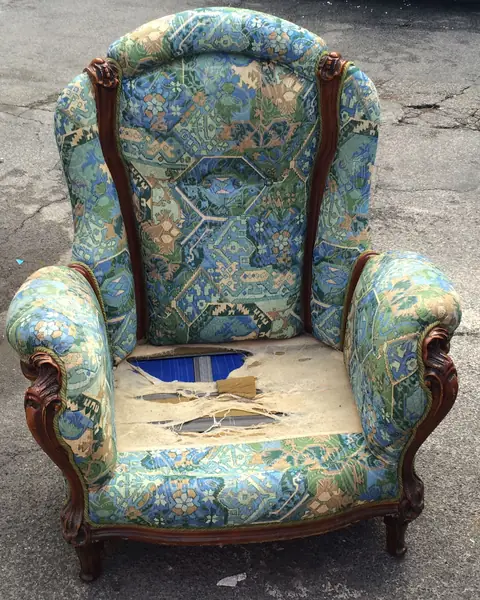
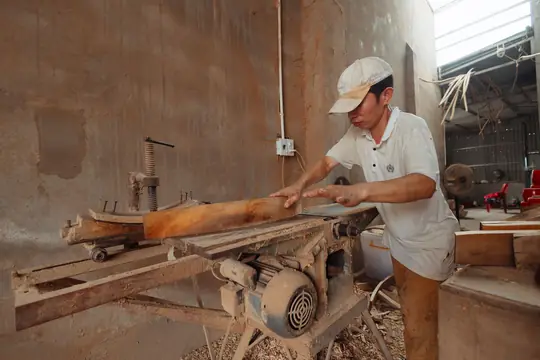

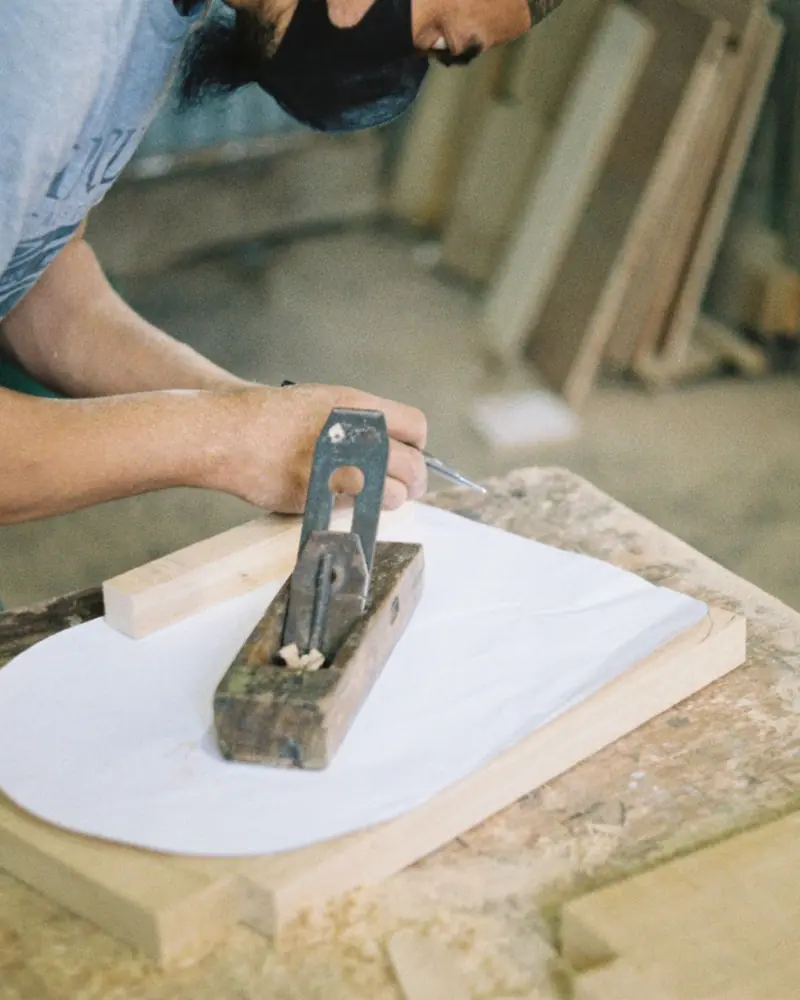
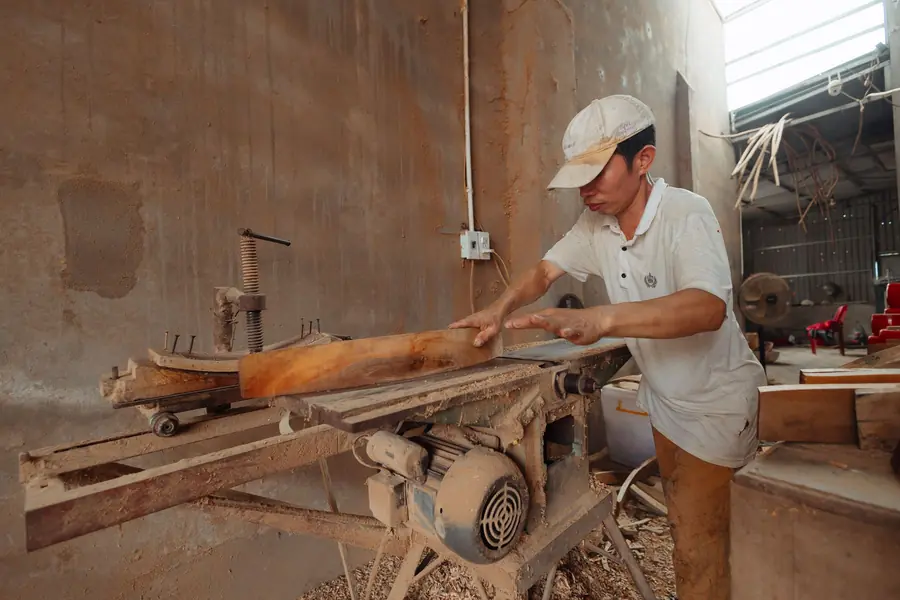
Free photos from Pexels and real screenshots of the software, with made-up data.
A carpenter’s contract: what to write before cutting the wood
On a bespoke job the contract protects the carpenter from last-minute changes and the client from surprises on the price. In RegiaPro the workshop’s clauses sit in a template prepared once; names, dates and amounts are taken from the job record.
What the workshop is building
Description of the furniture, materials, finishes, reference to the design attached to the record with its date.
Workshop lead time and fitting day
Expected fitting date, what must be ready in the house (walls, services, floors), what happens if the site is not ready.
Deposit on signing and kitchen payments
Total, deposit and balance come from the record. In the text you explain when the balance is due, for example part on delivery and the rest once fitting is complete.
Changes and final measurements after the building work
Changes requested after signing are agreed in writing with a new quote; final measurements are taken once the building work is finished. For the wording of the clauses, it is worth asking your adviser or your trade association.
Signing the contract in the workshop
With the Pro plan you get the contract as a PDF: you print it in the workshop and you and the client sign it with a pen. The signed copy stays on the job record, next to the quotes.
Carpentry software: design, production or CRM for your clients?
On 14 September 2026 we searched for “carpentry software” and “joinery software” and read the first pages. You find trade business software for craftsmen, production software for wood and furniture and, as soon as you add “quotes”, design programs. None of the pages we read stated the price, and none talked about a connected calendar or WhatsApp messages.
| Drawing and design software | Production and job management software | RegiaPro, business software and CRM | |
|---|---|---|---|
| Who it's for | Those who design kitchens and furniture in 2D and 3D | Joinery firms and companies with departments and a warehouse | Carpenters selling bespoke work to homeowners, architects and builders |
| What it handles | Design, views, cutting lists, machining | Jobs, materials, production, stock | Clients, site visits, quotes, contracts, deposits, fitting dates, invoices, job costs |
| Price | Not stated on the pages we read | Not stated on the pages we read | From €19.90 a month, published |
| Together | The design exported as PDF | — | You attach it to the client’s record |
RegiaPro is the right business software for your workshop if
- your time goes on phone calls, quotes to redo and deposits to remember;
- you want the fitting on the calendar and the client notified with a message;
- you want the price, materials, fitter and travel of every job on the same record.
As soon as you sign in with your workshop’s jobs
- records for signed jobs, with deposit and fitting date;
- quotes and, with Pro, contracts and invoices that fill in from the record;
- travel calculated from the town where the job is.
How to start: three steps, no card needed
You sign up, try it on your real work, and only decide at the end.
-
Sign up in a minute
Your name, your business name and your email. We don’t ask for a credit card: access starts when you confirm your email.
Start the trial -
Set it up for your trade
Menus, record fields and job stages speak your language. You connect the calendar you already use.
Choose your trade here -
Try everything, then choose
Fourteen days with the Full features. At the end you choose a plan, or you stop: nothing renews on its own.
See the plans
What RegiaPro carpentry software costs
The price list is published. For a joinery workshop three plans matter; you always start with the trial.
Start for the carpenter with a few big jobs
€19.90 a month, or €199 paid yearly. No cap on client records, reminders to call clients back, WhatsApp texts and ten quotes a month. Suits those who do a few big jobs a year and do not need contracts and invoices from the software.
Pro for the workshop full of orders
€34.90 a month, or €349 paid yearly. Adds supply and fit contracts as PDFs and invoices numbered by year, prepared from the kitchen or wardrobe record. It is the plan for the workshop that works to order all year round.
Studio for the workshop with e-invoicing
€59.90 a month, or €599 paid yearly. On top of Pro: the XML for Italian e-invoices and the year’s archive in a single file, ready for your accountant.
Fourteen days’ trial on your next kitchen
With every Full feature and without leaving a card. The workshop account opens by itself as soon as you confirm your email; after fourteen days, you decide.
There is also Full at €44.90, built for those who add photo and video shoots to their deliveries: the lines of every plan are compared side by side on the pricing page.
Why you can trust it: your data stays yours
What matters before you put your clients into a new program.
Your data stays in Europe
On servers in Europe. Each business sees only its own data: the database itself enforces the separation.
If you stop, your data stays yours
The account goes read-only and nothing is deleted unless you ask. We send you a copy in a readable format.
Prices written up front
A public price list, the same for every trade: you can read it on the pricing page before you sign up.
You talk to a person
Born in a studio in Tuscany, not in an office. Write to info@regiapro.it or use the contact page.
FAQ from carpenters about business software and CRM
Can I attach the design made with my drawing software?
Yes. You export it as a PDF or image and attach it to the client’s record, up to 15 MB per file. It stays there with the site visit photos and quotes, and you can open it on your phone too when you are on site.
How do I write materials, hardware and fitting in the quote?
On the record you enter the agreed price and in the quote note you describe everything: materials, finishes, hardware, fitting, disposal, what is excluded. The PDF shows the total prominently with the note below: the person furnishing their home finds every piece of furniture and every piece of work included.
The client pays on signing, on delivery and after fitting: how do I record it?
What the client pays on signing you enter as a deposit, with the day and bank transfer or cash. Delivery and end of fitting become two instalments of the balance, recorded when the money arrives. On each record you see what is outstanding, and across all jobs how much the workshop still has to receive.
I work for a building firm: who gets the invoice?
In “Who to address documents to” you enter the firm with VAT number, recipient code or certified email (PEC). Quote and contract stay in the name of the person who contacted you, for example the site surveyor; the invoice, from the Pro plan, goes to the firm.
How do I put the fitting in the diary?
On the record you enter the day and time of the fitting. When the job is “Confirmed” it appears in the connected calendar, Google or iCloud. If the site runs late and you move the event on your phone, RegiaPro updates the fitting day within a few minutes.
How do I remind the client to get the room ready?
Among your WhatsApp texts you save a fitting notice, for example asking them to clear the walls and disconnect the old kitchen. A few days before fitting you open it from the record, already filled in, and send it yourself.
Can I see what a kitchen leaves me?
Yes. On the record you enter materials under out-of-pocket costs and the outside fitter as a collaborator; travel is calculated from the job’s town. On the kitchen record, price and costs sit side by side; the Report adds up the same items by month and by year and shows what the workshop kept.
How do I pick up again with a client who asked for a quote months ago?
You search by name or phone and find the record with the photos, notes and quotes already sent. If they get back in touch, you move it to “Negotiating”, prepare an updated quote with a new number and take it from there.
Page dated 14 September 2026. Everything the text attributes to RegiaPro has been checked in the software; Elena and her oak kitchen are an invented example; the information on design and production software comes from the vendors’ websites, consulted on that date. If RegiaPro behaves differently in your workshop from how it is described, drop us a line at info@regiapro.it: we will correct the text.
Try the carpentry software on your next kitchen or wardrobe
Open the record for your next site visit and take that job through to contract and deposit: two weeks are enough to see whether the workshop gains in order and time. For the fourteen days Full is fully switched on; you choose the plan afterwards, with the kitchen already in the diary.
Who you often work with: upholstery software, stonemason software, construction company software. Every other made-to-order trade has its own page, listed on the who it’s for page.