Solar installer software: CRM for installers
RegiaPro is solar installer software for businesses that sell and fit systems on homes and commercial buildings: leads to follow up, site surveys, quotes with and without a battery, contracts, deposits and client documents in one record. The steps below already start from solar installer: you choose which features to switch on.


Built for more than 50 trades: this one is already set up for yours
Site visit booked
mileage and tolls already worked out
Today in RegiaPro
Example with made-up data
14
Enquiries
+4 this month
6
Site visits
this week
5
Quotes accepted
+2 this month
Site visit booked for Thursday at 9:30
5 min ago
Quote sent for the bathroom
yesterday
Deposit received
yesterday
- Free for 14 days, no card needed
- Works in the browser, on your phone too
- Calendar synced with Google and iCloud
- WhatsApp messages already written
- Invoices from your Fatture in Cloud, from the Pro plan
- Public prices, the same for everyone
Type of work
What do you do? If you can’t find yours, the last option is just fine.
What do you need? The basics for solar installer software and CRM are already switched on. Switch on what you really need: we’ll work out the plan from here.
Your RegiaPro is ready.
Tap a plan: below you see what is inside.
There is only one price list. Photo galleries come with every plan: if you don't deliver photos you simply don't open them, and the price stays the same. Compare all the plans
What you get with
The menu
An enquiry record
The fields of your trade are highlighted
The stages of the job
Where every job stands, at a glance
A solar PV system takes weeks to sell: the energy bill to get sent over, the roof to see, two proposals to compare, a contract, a sizeable bank transfer and a pile of documents. With solar installer software like RegiaPro every client has their own thread, on your mobile too, and the cost starts at €19.90 a month.
What you’ll find inside RegiaPro: from site visit to invoice
One program for enquiries, quotes, jobs and payments. Tap a card to see how it works.
-
One record per client
Calls, quotes, contracts and payments in date order: when they call back six months later, you know at once where you left off.
The Lead module -
Who to call back today
Every morning, the list of people to get back to, with the WhatsApp message already written. It goes from your own number, when you decide.
Follow-ups and messages -
Quotes from your own template
The PDF with your logo, sent as a link: you know when it was opened. If there is no reply, the program brings it back to you after 3, 7, 14 and 30 days.
The quote -
The contract without retyping
It comes from the accepted quote, with the details already in, and comes out as a PDF ready to sign. From the Pro plan.
Which plans include it -
The site visit
It is a stage of the job, with its own date; the travel cost is worked out on the real route.
The costs of each job -
Maintenance contracts
The draft invoice for each period gets ready on its own. From the Pro plan.
Fees and renewals -
Deposit, balance and invoice
Deposit and balance are recorded separately, each with its own date. The invoice comes out of the record with numbering that carries on by itself: from the Pro plan, with the XML file from the Studio plan.
The plans compared -
The calendar you already have
Appointments and jobs in your phone’s calendar: RegiaPro connects to Google Calendar and iCloud.
The connected calendar -
What is really left
A job’s costs come off that job, the business costs off the year: in December you know what is left, not just what came in.
The figures of each job -
From your phone, on site
It works in your phone’s browser: open the client’s record and attach photos and documents, up to 15 MB each.
How it works
RegiaPro up close: the real screens
This is what the program looks like inside. Sample data: the clients, the jobs and the amounts are made up.




Solar installer software for businesses selling to homes and companies
RegiaPro works best for small and medium-sized installation firms that find their own clients: the owner does the site surveys and quotes, an in-house or subcontracted team does the fitting. The jobs are of four kinds.
Residential systems from 3 to 10 kW
The most common enquiry: a family with a high energy bill, a pitched roof and a thousand questions about the battery.
Battery storage on existing systems
Clients who already have panels and want to use daytime energy in the evening: a survey at the consumer unit and a quicker quote.
Commercial buildings and farms
Long negotiations, a company that pays and a different contact person who calls you, extra paperwork.
Panel cleaning and inverter checks
Short jobs on your own systems or other people’s, useful for filling rainy weeks.
Design software, specialist CRMs and RegiaPro in solar
On 14 September 2026, searching for software for solar installers mostly brought up specialist CRMs for the sector, while “solar software” leads to design programs. We opened three CRM pages: none showed a price, all offered a demo.
| Design software | Specialist solar CRM | RegiaPro, business software and CRM | |
|---|---|---|---|
| What it’s for | Sizing the system, estimating output, drawing the roof | Companies with sales reps, teams and workflows for the paperwork | Installers who sell directly and deal with the client in person |
| Focuses on | Calculations, shading, panel data sheets | Sales pipeline, team, installation scheduling | Leads, site surveys, quotes, contracts, deposits, invoices, attached documents |
| Price | Vendor licence, sometimes free | On request, after the demo | From €19.90 a month, published |
Solar leads: the CRM from first contact to site survey
People looking into solar ask three installers and decide weeks later. In RegiaPro’s CRM every lead goes through the same statuses, and the software knows when it’s time to get back in touch.
New: the solar panel lead that has just come in
The lead has just come in: a phone call, a flyer, an email sent from your website. You open the record yourself in a minute, from your phone too. You write where it came from, so at the end of the year you know which channel brings you real installations.
Contacted: waiting for the energy bills
You’ve called and you’re waiting for the client to send you their bills. RegiaPro puts that name back in front of you after two, five and ten days: without that data the quote stays stuck.
Quote sent: the system quote has gone out
The quote has gone out by email. From here there are four follow-ups: after three, seven, fourteen and thirty days.
Negotiating: the client is weighing up finance
The client has replied and is thinking about it, perhaps with their accountant. From now on there are no automatic follow-ups: you decide the day of the next call.
Confirmed, lost or no reply: the system is decided
With the contract signed, the job goes on the calendar with the installation date. Anyone who chooses another installer you mark as lost; anyone who stops replying by the end of the sequence moves to no reply on their own, and your list stays clean.

A 6 kW solar system with battery storage: one installation followed document by document
A residential installation leaves a trail of paperwork behind it: bills, photos, quotes, contract, grid connection documents. Here’s a made-up case, told through the documents that go into the Bassi family’s record.
-
The Bassi family’s energy bills
On 2 February Luca Bassi calls after seeing your van outside a house in his street. You open the record, source “nearby job”, and set it to contacted. On 7 February, after the first follow-up, Luca emails you last year’s bills as PDFs: you attach them to the record. Consumption: around 5,200 kWh a year, 4.5 kW meter.
Follow-ups and messages -
The photos of the south-east roof
On 11 February you go up on the roof: a south-east-facing pitch at 30 degrees, 38 m² free, the chimney casting shade only first thing in the morning. You photograph the roof, the consumer unit and the spot for the inverter in the garage, attach the photos and write the measurements in the notes. From the town, RegiaPro also calculates the cost of the journey, provided you’ve entered a personal Google Maps key.
The figures of each job -
Two 6 kW quotes, with and without a battery
On 16 February you prepare the first proposal, 6 kW without storage, at €9,800: in the note panels, inverter, tile roof mounting, DC isolator box, installation, grid connection application. Then you change the amount to €15,900 and generate the second, with the 10 kWh battery. Two PDFs with two numbers, sent together by email. The record moves to quote sent.
The quote from your template -
The contract for the system with storage
On 19 February the record reappears among those to follow up. Luca wants the battery and asks for time to sort out finance: you set it to negotiating and book the next call for 3 March. That day he says yes. From the Pro plan you prepare the contract on your template, with amount, deposit and balance already in, and after signing you attach the scan to the record. The €4,770 bank transfer arrives: deposit recorded, job confirmed, installation booked for 13 April.
The contract, from the Pro plan -
Land registry extract, POD and ID for the grid connection
In March Luca sends you his ID document, the land registry extract and the POD code (the meter point number) from his bill. You attach them one by one. In the important note you write “book the crane and confirm delivery of panels and battery”: on 6 April, a week before the installation, you find it among your to-dos.
Try it for 14 days -
Declaration of conformity and single-line diagram once installed
On 13 and 14 April the team fits the system. On the record you enter the subcontracted team with its cost, €1,300, and among the out-of-pocket costs panels, inverter and battery, €9,300. Once the system is complete you attach the declaration of conformity, the single-line diagram and photos of the fitted panels. Luca pays an instalment of €6,360 at the end of the installation and the €4,770 balance once connected to the grid: two instalments with their dates.
Invoices and payments in the plans
The Bassi family’s documents (example with made-up data)
| Document | Who provides it | When | Where it’s kept |
|---|---|---|---|
| Last year’s energy bills | The client, by email | 7 February | Record attachments |
| Photos of the roof and consumer unit | You, from the site survey | 11 February | Attachments and notes |
| Two quotes, €9,800 and €15,900 | RegiaPro | 16 February | Numbered PDFs on the record |
| Contract signed | You and the client | 3 March | Scan attached, €4,770 deposit |
| ID, land registry extract, POD code | The client | March | Record attachments |
| Reminder for crane and delivery | The important note | 6 April | Among the to-dos |
| Declaration of conformity, diagram, photos | You, once installed | 14 April | Attachments, with instalment and balance recorded |
Solar quote: with and without a battery, two numbered proposals
In solar the client almost always wants to compare several options. RegiaPro lets you prepare as many proposals as you need from the same record.
One proposal for each system configuration
You enter the amount for the first option and generate the PDF; then you change the amount and note and generate the second. Each document has its own number and stays saved exactly as it was when it went out.
Panels, inverter and battery in the note
Output, number and brand of panels, inverter, battery capacity, mounting, electrical work, grid connection application, installation times. The note is printed below the figure, and the client can reread it calmly at home.
VAT on the solar quote
The total you agreed stays the same: RegiaPro works out the net amount and the tax by itself, according to the rate set for your business.
After sending the solar panel offer
The quote goes out by email from the record. Then RegiaPro handles the follow-ups; when it’s time to ask if they have any doubts, one tap on the record opens WhatsApp with your words already written.

Solar paperwork: the client’s documents in one place
Between the grid connection, any incentives and completion, a domestic installation needs a dozen or so documents. The risk isn’t filling them in, it’s finding them again.
Bills, land registry extracts and diagrams in the attachments
Bills, ID documents, land registry extracts, signed contract, declaration of conformity, diagrams and photos: all attached to the client’s record, as PDFs, images or Word files, with a limit of 15 MB per file.
POD code and meter capacity in the notes
In the record notes you keep the POD code, the meter capacity, the status of the application and the calls made. From your phone too, while you wait in the queue at the counter.
The reminder before the panels are fitted
The important note becomes a task on your to-do list seven days before the record’s date: the right moment to check that only the signature is missing.
The system found again when the inverter fails
When the client calls you about an inverter fault or sells the house, you search for their name or phone and the whole system is in front of you.
Want to see it with your own work?
Fourteen days with the Full plan features, no card needed. Then you decide.






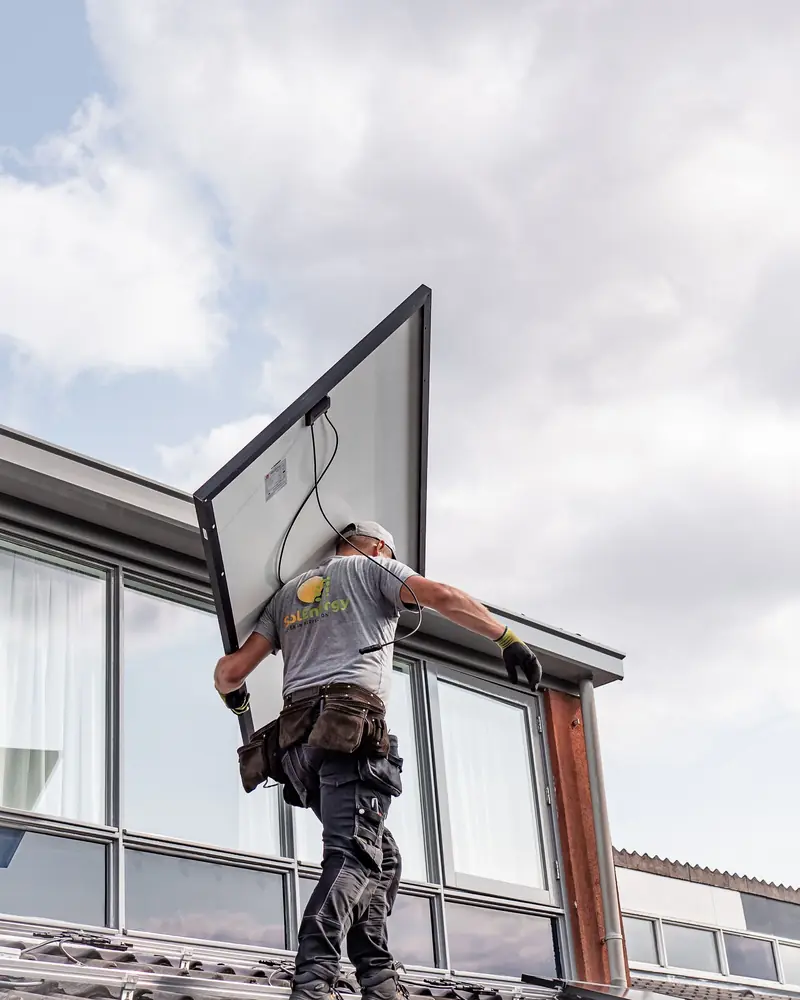
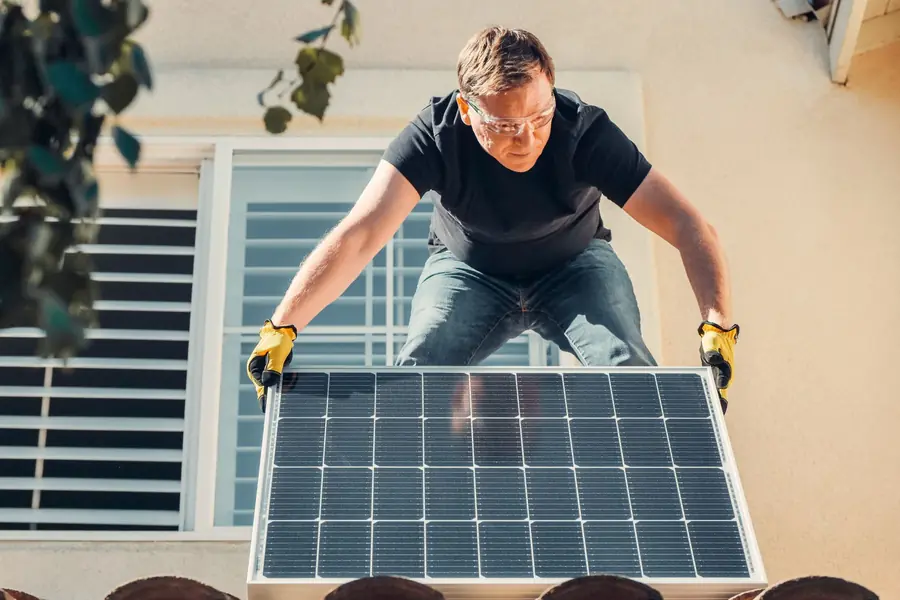
Free photos from Pexels and real screenshots of the software, with made-up data.
Selling solar: contract, deposit, invoices and system costs
A system costs you thousands of euros before the client pays for it. RegiaPro keeps the contract, payments in and money out on the same record.
The solar system contract
From the Pro plan you prepare it from your template: the client’s name, the town, the installation date, the total, the deposit and the balance go in on their own. In the text you write your terms on material delivery times, excluded works and payments. It’s signed on paper and the scan stays attached.
The commercial building paid for by the company
For a commercial building the company pays, while you deal with the technical manager. The company is linked to the record as the invoice recipient, with VAT number, certified email (PEC) and SdI code, and the contract and invoice carry its details.
Deposit on signing, instalment on installation, balance on connection
The deposit on signing, an instalment when installation is complete, the balance on grid connection: each payment with its date and method, and below it the amount still owed.
Invoices for the systems sold
The Pro plan produces invoices with annual numbering, from the job record. Move up to Studio and RegiaPro also prepares the XML file to submit, and twelve months of invoices reach your accountant in a single package.
Installation team, panels and margin
On the record you enter the subcontracted team with what you paid them and the out-of-pocket costs for panels, inverter and battery; RegiaPro adds the travel costs. The Report takes these items off the takings, month by month and by client source.

A RegiaPro screen filled in with test figures. This page is where the van, safety harnesses and training courses go; panels bought for a client sit on that client’s record instead.
Solar maintenance: cleaning and checks as jobs to follow up
Someone who bought a system from you is the easiest client for panel cleaning or an inverter check. In RegiaPro you set up the follow-up yourself when you close the job.
A record for the annual panel check
At the end of the installation you open a second record for the check, leave it as new and choose the follow-up date, for example twelve months later. A year on, opening RegiaPro in the morning, you find their name in the list of people to get in touch with.
The message one year after installation
From the record WhatsApp opens with one of your messages, to adapt: “it’s been a year since your system went in, shall we clean and check it before the summer?”. You send it yourself from your own number.
Panel cleaning as a confirmed job
When the client accepts, the record becomes a confirmed job with date and time, goes onto the linked calendar and is paid like the others.
Solar systems fitted by others
Even someone who comes to you for cleaning on a system you didn’t fit has their own record: photos of panels and inverter attached, and one more client for the next battery.
How to start: three steps, no card needed
You sign up, try it on your real work, and only decide at the end.
-
Sign up in a minute
Your name, your business name and your email. We don’t ask for a credit card: access starts when you confirm your email.
Start the trial -
Set it up for your trade
Menus, record fields and job stages speak your language. You connect the calendar you already use.
Choose your trade here -
Try everything, then choose
Fourteen days with the Full features. At the end you choose a plan, or you stop: nothing renews on its own.
See the plans
How much RegiaPro costs a solar installer
You can read the price before talking to us, and it’s what you pay. The plan depends on how many quotes you do and which documents you need.
Few installations, lots of leads
Start costs €19.90 a month, €199 a year: unlimited contacts, follow-ups, WhatsApp messages and up to ten quotes a month. It works well if at first you mainly need to keep track of leads.
Contracts and invoices for year-round system sales
Pro costs €34.90 a month, €349 a year: unlimited quotes, contracts and numbered invoicing for every installation. It’s the plan for installers who sell systems all year round.
XML and your accountant, for an installation firm
Studio costs €59.90 a month, €599 a year, and adds e-invoicing in XML format plus the annual summary to hand to your accountant. There’s also Full, at €44.90, with more space for photos and videos.
Fourteen days to try it on your next roofs
Two weeks with every Full feature and no card required. You enter your email, confirm, and you’re in within minutes; at the end, you choose.
Why you can trust it: your data stays yours
What matters before you put your clients into a new program.
Your data stays in Europe
On servers in Europe. Each business sees only its own data: the database itself enforces the separation.
If you stop, your data stays yours
The account goes read-only and nothing is deleted unless you ask. We send you a copy in a readable format.
Prices written up front
A public price list, the same for every trade: you can read it on the pricing page before you sign up.
You talk to a person
Born in a studio in Tuscany, not in an office. Write to info@regiapro.it or use the contact page.
Solar installers: questions about the software and the CRM
Can I send two alternative quotes, with and without a battery?
Yes. From the client’s record you generate the first with its amount and note, then change the figure and the detail and generate the second. They have different numbers, go out by email and both stay saved, so you always know what the client had on the table.
Where do I keep bills, land registry extracts and grid connection documents?
In the attachments on that client’s record: PDFs, photos or Word files, up to 15 MB each. In the notes you can write the POD code, meter capacity and where the application stands, and find everything by searching the name.
How do I follow up a client who still has to send me their bills?
Set the record to contacted: the software reminds you about that client after two days, then five and ten. When the bills arrive you attach them, prepare the quote and the record moves to quote sent, with its own follow-ups.
Can I send the quote while I’m still at the client’s?
Yes. RegiaPro runs in your phone’s browser: once the survey is done you write the amount and note on the record, generate the PDF and email it before you leave. The record moves to quote sent and the follow-ups start from that day.
A system paid in three instalments: how do I record it?
The deposit on signing with date and method, then the balance split into two instalments, for example at the end of installation and once connected to the grid. The record always shows how much you’ve collected and how much you’re waiting for, and the home page adds up all your installations.
Can I see which channel my sold systems come from?
Yes, by writing the source on every record: website, word of mouth, nearby job, trade fair. The Report shows, for each one, how many confirmed jobs, how much in takings and what margin it brought you.
Do installation dates go on the team’s calendar?
Confirmed jobs go on your Google Calendar or iCloud with day and time. If you share that calendar with the team, they see them too; and if an installation slips and you move it from your mobile, a few minutes later the new date is on the record as well.
Can I use RegiaPro on the roof, from my phone?
Yes, it opens in your mobile’s browser: during the survey you upload the photos of the roof pitches you’ve just taken and note the angle and square metres. Back at the office you find the same record ready for the quote.
Page written and checked on 14 September 2026 against the RegiaPro features in use that day. The Bassi family, the roof and the figures are made up, and the software table is based on what the vendors publish on their websites, consulted that day. Spotted a difference between these lines and the software? An email to info@regiapro.it and we’ll correct it.
Try the solar installer software on your next roof
The next lead who asks you for a system, follow them inside RegiaPro: bills, site survey, two proposals, contract and documents. In fourteen days with Full you’ll see whether it keeps your sales in order; then you choose the plan.
Related trades: HVAC software, electrician software, plumber software. All the others are listed on the trades page.