Flooring installer software and CRM
RegiaPro is the business software for floor layers and tilers who find their own clients: the CRM follows enquiries and site surveys, the management side prepares quotes, installation contracts and invoices. In the steps below, “Floors and tiles” is already selected.


Built for more than 50 trades: this one is already set up for yours
Site visit booked
mileage and tolls already worked out
Today in RegiaPro
Example with made-up data
14
Enquiries
+4 this month
6
Site visits
this week
5
Quotes accepted
+2 this month
Site visit booked for Thursday at 9:30
5 min ago
Quote sent for the bathroom
yesterday
Deposit received
yesterday
- Free for 14 days, no card needed
- Works in the browser, on your phone too
- Calendar synced with Google and iCloud
- WhatsApp messages already written
- Invoices from your Fatture in Cloud, from the Pro plan
- Public prices, the same for everyone
Type of work
What do you do? If you can’t find yours, the last option is just fine.
What do you need? The basics for flooring installer software and CRM are switched on. Switch on what you really need: we pick the package from here.
Your RegiaPro is ready.
Tap a plan: below you see what is inside.
There is only one price list. Photo galleries come with every plan: if you don't deliver photos you simply don't open them, and the price stays the same. Compare all the plans
What you get with
The menu
An enquiry record
The fields of your trade are highlighted
The stages of the job
Where every job stands, at a glance
A floor layer spends the day on their knees on a screed and answers messages in the evening: someone wants wood-effect porcelain, someone asks the price per square metre, someone is still waiting for the figure you promised after the survey. RegiaPro flooring installer software keeps every job on one record, from taking the measurements to the last bank transfer, and it opens in your phone’s browser even with adhesive on your hands. Getting started costs just €19.90 a month with Start.
What you’ll find inside RegiaPro: from site visit to invoice
One program for enquiries, quotes, jobs and payments. Tap a card to see how it works.
-
One record per client
Calls, quotes, contracts and payments in date order: when they call back six months later, you know at once where you left off.
The Lead module -
Who to call back today
Every morning, the list of people to get back to, with the WhatsApp message already written. It goes from your own number, when you decide.
Follow-ups and messages -
Quotes from your own template
The PDF with your logo, sent as a link: you know when it was opened. If there is no reply, the program brings it back to you after 3, 7, 14 and 30 days.
The quote -
The contract without retyping
It comes from the accepted quote, with the details already in, and comes out as a PDF ready to sign. From the Pro plan.
Which plans include it -
The site visit
It is a stage of the job, with its own date; the travel cost is worked out on the real route.
The costs of each job -
Maintenance contracts
The draft invoice for each period gets ready on its own. From the Pro plan.
Fees and renewals -
Deposit, balance and invoice
Deposit and balance are recorded separately, each with its own date. The invoice comes out of the record with numbering that carries on by itself: from the Pro plan, with the XML file from the Studio plan.
The plans compared -
The calendar you already have
Appointments and jobs in your phone’s calendar: RegiaPro connects to Google Calendar and iCloud.
The connected calendar -
What is really left
A job’s costs come off that job, the business costs off the year: in December you know what is left, not just what came in.
The figures of each job -
From your phone, on site
It works in your phone’s browser: open the client’s record and attach photos and documents, up to 15 MB each.
How it works
RegiaPro up close: the real screens
This is what the program looks like inside. Sample data: the clients, the jobs and the amounts are made up.




Flooring installer software: porcelain, parquet, SPC and resin
RegiaPro is for the self-employed floor layer who works alone, perhaps with a helper, and follows each job from start to finish. The material changes from one house to the next, but the cycle stays the same: enquiry, site survey, price, installation date, payment.
The porcelain and tile fitter
Large formats to cut, grout joints to agree, bathroom and kitchen wall tiling. The client chooses in the showroom and sends you a photo of the label with the product code: you attach it to their record and never have to dig it out of a hundred messages again.
The engineered and solid wood parquet fitter
Boards left to acclimatise in the rooms, subfloor moisture to measure, skirting to match the wood. Days pass between the boxes being delivered and the first board going down, and the job date on the record tells you when to go back.
Floating SPC and laminate floors
Floating installation, often over the old tiles, finished in a day or two. These jobs are quick and plentiful: with a record for each one, the price you gave on Monday doesn’t get forgotten before Saturday.
Resin and microcement floors
Multi-coat systems, drying times, rooms kept closed for days. You set the rules on when people can walk on it once, in the contract template, and from then on they apply to every client.
Where a floor layer’s time goes
You know flooring better than any software. The hours vanish elsewhere: finding the measurements pencilled on the side of a box, remembering who’s waiting for an answer, working out how much a client has already paid. The management side looks after documents and payments, the CRM side looks after people and follow-ups.

CRM for flooring installers: enquiries, site surveys and who’s waiting for a price
Someone searching Google for a “floor fitter” finds your number and messages you. That’s where the CRM’s job starts: knowing where each person stands, and who needs a call back today.
One record for every floor to lay
Name, phone, email, the town of the job and where the contact came from: your website, the tile shop that sends you clients, a building firm, the neighbour of a happy client. Photos of the old floor are added after the first save, and the ones taken on your phone are fine just as they are.
The survey on the screed, with its date
When you book the appointment you move the record to “Negotiating” and choose the follow-up day yourself: that morning the client’s name appears at the top of the Dashboard, in the “To follow up today” list. In the notes you write the time and what you need, for example the moisture meter for the screed.
The price per square metre that gets no reply
Once the quote is sent, the record becomes “Quote sent” and comes back into view after 3, 7, 14 and 30 days. On the “Tasks” page you tap “Open WhatsApp”, send the ready-made text yourself and mark “Done, I wrote”; as soon as the client replies, the “They replied” button ends the series of reminders.
The bathroom client who comes back for the kitchen
The person who called you for the bathroom two years ago calls again for the kitchen. In the job list you pick the year, type the surname or number and find that old record with the measurements, the photos and the price per square metre you gave them. For the kitchen you open a new record: the two floors stay separate jobs, and the Report counts each one on its own.

Floor installation price per square metre: from measuring up to the quote
“What do you charge a square metre?” is almost every client’s first question, and the square-metre rate is only part of the final figure. In RegiaPro the sum starts from the measurements taken in the house and reaches the client as a numbered PDF.
Square metres and skirting, room by room
In the record notes you write the square metres of each room, the linear metres of skirting, the thresholds and the doors to trim. If you drew the floor plan on paper, you photograph it and upload it: when you price the job you have everything in front of you, with no need to go back and measure.
The installation total up front, the items in the note
On the record you enter the agreed amount; the quote puts it on a sheet with your logo, the sequential number and the text of your template. In the notes box, which goes on the PDF below the figure, you list the items: laying by the square metre, skirting by the linear metre, self-levelling compound, thresholds. With VAT, the software works the tax back out of the total, so the figure you quoted in the house doesn’t change.
Tiles bought by the client or supplied by the fitter
Many clients buy the tiles from the tile shop and pay you only for laying them. Put it in black and white in the note, with the format and the quantity to order including wastage: if two boxes are missing on installation day, the signed sheet says whose job it was.
When the client switches to a different tile format
Going from 60x60 to 20x120 in herringbone pushes the price up. You correct the figure on the record and generate a new PDF: it has a different number, and the earlier proposal stays archived exactly as you sent it.

Floor installation in an occupied home: a job week by week
Here is one job followed from start to finish in RegiaPro. The family, the street, the dates and the figures are invented: they show how a flooring job moves along, and they are nobody’s price list.
The case: 58 square metres of porcelain, with the family at home
Laura Bassi lives in a 1980s flat in via dei Tigli and wants to replace the carpet with 20x120 wood-effect porcelain in the living room, hallway and two bedrooms. She is buying the tiles herself; from you she wants the laying, the skirting and the thresholds. The family carries on living there, so the rooms have to be cleared one at a time.
-
Week 1 in via dei Tigli: enquiry and site survey
On 2 March Laura messages you on WhatsApp after seeing your work on your website. You create the record with “website” as the source, set it to “Negotiating” and schedule the follow-up for 5 March, the day of the survey. In the house you measure 58 square metres, 62 metres of skirting, four thresholds and a 14 m² hallway whose subfloor needs levelling. It all goes into the notes, along with photos of the carpet lifted in one corner.
Follow-ups and messages -
Week 2: the installation quote with the items in the note
On 10 March you enter €2,500 on the record and prepare the quote. The note reads: straight lay 58 m² at €30, skirting 62 metres at €7, self-levelling compound in the hallway 14 m² at €13, four thresholds at €36; porcelain and adhesive supplied by the client, 64 m² to order. It goes out by email straight from Laura’s record, and the status updates itself.
The quote from your template -
Week 3: the herringbone option
On 16 March Laura wants to know what the living room would cost in herringbone: 24 square metres at €10 extra. You raise the figure to €2,740 and send her the second PDF. When her name comes back among the follow-ups, you write to her with the ready-made message and she chooses the straight lay: the record goes back to €2,500.
Follow-ups and messages -
Week 4: installation contract and deposit
On 24 March you use the Pro plan’s contract template, with your own terms: who orders the material, what happens if the boxes arrive late, rooms cleared by 8am, no walking on the floor for 24 hours. The record fills in the client, the day, the total, the deposit and the balance. You both sign on paper, and the €750 bank transfer becomes the record’s deposit, dated 24 March with “bank transfer” as the method. Status “Confirmed”, job date 20 April, from 8am to 5pm.
The contract, from the Pro plan -
Weeks 5 and 6: hallway moisture and bedrooms to clear
With your calendar linked, 20 April also shows up in Google Calendar or iCloud, on the phone in your pocket. In the important note you write “measure hallway moisture and have the bedrooms cleared”: on 13 April, a week before, it appears on your “Tasks” page.
The connected calendar -
Weeks 7 and 8: laying the porcelain, balance and invoice
The installation takes four days, with a helper for three. On the record you note his name and the €420 he costs you, and under out-of-pocket costs €390 for skirting adhesive, self-levelling compound, spacers and blades. On 24 April €1,000 arrives when the floor is down, and on 4 May the last €750 after the skirting: two balance instalments. With Pro you issue the €2,500 invoice from the same record, in the 2026 numbering.
Invoices and payments in the plans
The figures for the via dei Tigli job (example with invented data)
| Item | Quantity | Amount |
|---|---|---|
| Straight lay of 20x120 porcelain | 58 m² at €30 | €1,740 |
| Skirting | 62 metres at €7 | €434 |
| Self-levelling compound in the hallway | 14 m² at €13 | €182 |
| Thresholds | 4 at €36 | €144 |
| Total agreed and invoiced | — | €2,500 |
| Payments received | deposit €750, instalments of €1,000 and €750 | €2,500 |
| Helper | 3 days | €420 |
| Consumables | adhesive, levelling compound, spacers, blades | €390 |
| Left on the job, before tax and your own hours | — | €1,690 |
Screeds, skirting and small repairs: a floor layer’s extra jobs
Screeds are among the most searched topics in the flooring world, and they almost always come with an installation. Around the big job there are also the small ones, done in half a day and forgotten even sooner.
The screed to redo before laying
If the subfloor has to be broken up and relaid, you decide how to handle it: within the same job, as an item in the note with its square metres, or on a separate record when another firm does it and you come in afterwards. In the second case the two dates sit on the calendar one after the other, with the curing days in between.
Skirting and thresholds per linear metre
People who already have a new floor often call just for skirting or a marble threshold. Even a €300 job deserves an amount and a date on a record: at the end of the year the Report counts it, and that person stays on your list for next time.
Three tile and parquet repairs that deserve a record
- a broken tile to replace with a spare the client keeps in the cellar;
- a parquet board swollen by water, to swap out and blend in with the rest;
- shower grout to rake out and redo, with the silicone along the tray.
Photos of the floor before and after installation
Before touching anything you photograph how it is, and when the job is done you take photos again. The images stay on the record: if the client calls about a grout joint a month later, you know exactly how you left it.
Want to see it with your own work?
Fourteen days with the Full plan features, no card needed. Then you decide.







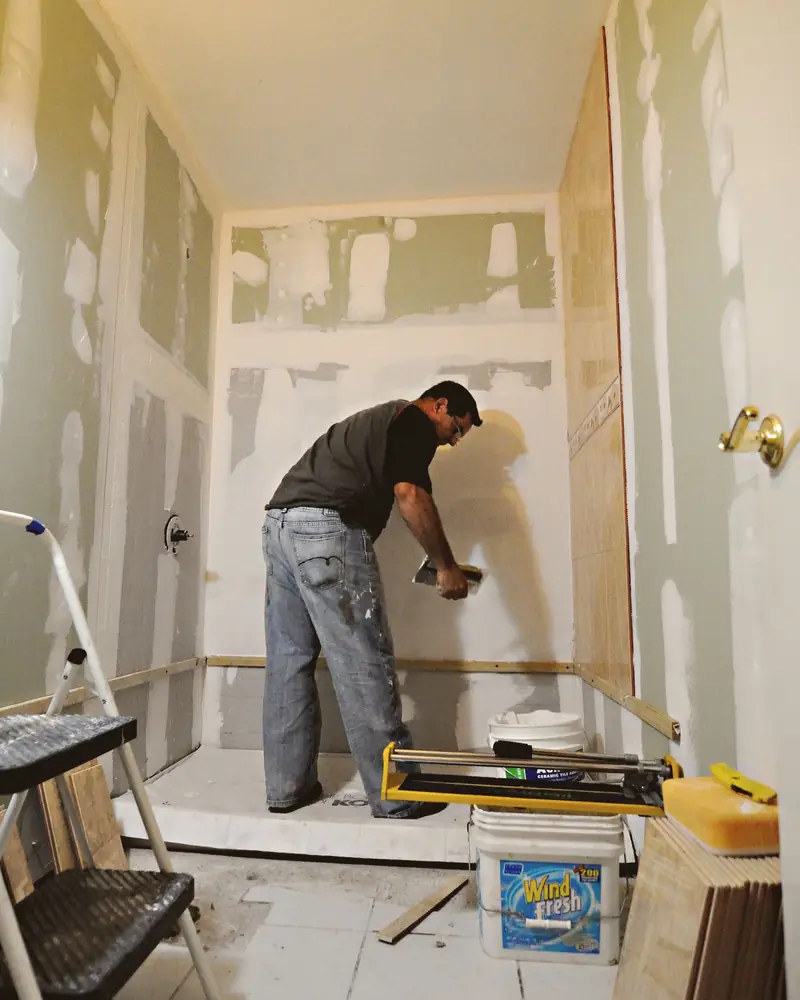
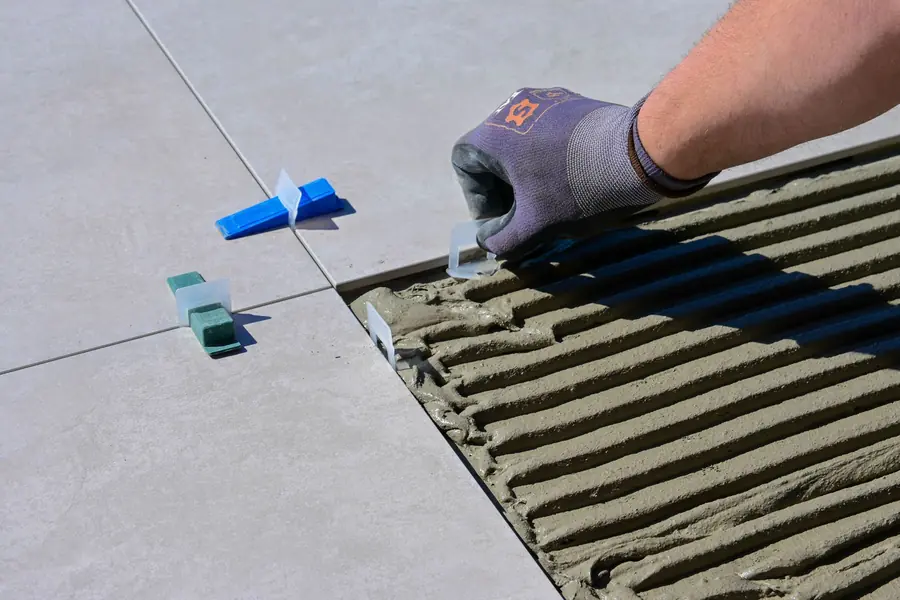
Free photos from Pexels and real screenshots of the software, with made-up data.
What it costs to lay a floor, seen by the person laying it: deposit, costs and invoice
The client searches Google for what it costs to lay a floor and finds a range of prices per square metre. You care about the other half of the sum: how much really comes in, when it comes in, and how much goes on helpers, consumables and travel.
The flooring job deposit on signing
One per job, with the day it arrived and how: cash, bank transfer, card. The record tells you how much is outstanding on that job, and the job list how much is outstanding across all open ones, without the notebook.
The floor balance in several instalments
Floor finished, skirting fitted, thirty days later: you split the balance into the agreed instalments and tick each one off as it arrives. Only money you have marked as received goes into the Report’s takings.
Helper, adhesive and travel to the job
The name of whoever gave you a hand and their pay sit on the record, alongside the out-of-pocket costs bought for that floor. With your own Google Maps key added in “Settings”, RegiaPro also calculates the round trip to the job’s town: kilometres, fuel, tolls and time, at the rates you set.
The installation invoice, from the Pro plan
It’s filled in from the record with the agreed figure and the tax details of whoever pays; the software adds the number, and the series restarts every January. With Studio you also generate the XML for Italy’s SdI e-invoicing system here, to upload yourself or pass on to your accountant.
The flooring jobs Report at the end of the year
It lines up takings, helpers, travel, individual job costs and business overheads, and shows where the paying clients came from: the tile shop, the website, word of mouth. It’s the number that tells you which channel is worth the time you put into it.

Screenshot taken from RegiaPro with dummy figures from another trade: the Report, where job costs are kept separate from business overheads.
Software for flooring installers: quoting tool, contractor software or CRM?
This comparison comes from a reading, on 14 September 2026, of the pages shown to people searching for business software for floor layers and tilers. They fall into three families, and each one meets a different need.
| Quoting programs | Software for firms with crews and sites | RegiaPro, business software and CRM | |
|---|---|---|---|
| Who it's for | People who want the quote PDF in a few minutes | Firms with several employees and jobs running in parallel | Floor layers who follow the client from enquiry to final payment |
| What it handles | Square metre calculation, installation items, PDF template | Staff scheduling, projects, site documentation | Client records, reminders, quotes, contracts, deposits, instalments, invoices, calendar |
| Price | From €7.99 a month on one of the three pages read | Not stated on the page we read | From €19.90 a month, published |
| What they focus on | The quote document | Organising staff and sites | The client, from the first message to the last payment |
Flooring installers should try it if
- you get enquiries from several places and some have already slipped through;
- you send quotes and then never find the moment to chase up the ones who go quiet;
- you want to know what each job leaves you after the helper and materials.
On day one, for your floors, you’ll find
- the client list with status, amount and installation date;
- quote templates and, with Pro, contract and invoice templates to rewrite your own way;
- WhatsApp messages, the calendar to link and the costs page.
How to start: three steps, no card needed
You sign up, try it on your real work, and only decide at the end.
-
Sign up in a minute
Your name, your business name and your email. We don’t ask for a credit card: access starts when you confirm your email.
Start the trial -
Set it up for your trade
Menus, record fields and job stages speak your language. You connect the calendar you already use.
Choose your trade here -
Try everything, then choose
Fourteen days with the Full features. At the end you choose a plan, or you stop: nothing renews on its own.
See the plans
What RegiaPro flooring installer software costs
Public price list. Floor layers almost always need one of two plans, plus the trial to choose.
Start for floor layers: €19.90 a month
Paid in one go, €199 for twelve months. Unlimited clients, follow-ups, WhatsApp texts and ten quotes a month: it suits people who lay a few floors a month and seal the deal with a handshake.
Pro for year-round floor layers: €34.90 a month
€349 if you take it annually. It adds the installation contract to print, numbered invoices and quotes with no monthly limit. It’s the plan for people who live off jobs from January to December.
Studio for flooring firms: €59.90 a month
€599 with annual payment. It adds the XML for Italian e-invoicing, the year’s invoices ready to hand to your accountant and direct WhatsApp support with guided setup.
Two weeks’ trial on a real floor
No credit card: you get the Full features, 20 records and 2 quotes. Your account opens by itself as soon as you confirm your email; when the fourteen days are up you decide whether to keep a plan and which one. Every line of the plans is on the pricing page.
Why you can trust it: your data stays yours
What matters before you put your clients into a new program.
Your data stays in Europe
On servers in Europe. Each business sees only its own data: the database itself enforces the separation.
If you stop, your data stays yours
The account goes read-only and nothing is deleted unless you ask. We send you a copy in a readable format.
Prices written up front
A public price list, the same for every trade: you can read it on the pricing page before you sign up.
You talk to a person
Born in a studio in Tuscany, not in an office. Write to info@regiapro.it or use the contact page.
Frequently asked questions from flooring installers about RegiaPro
How do I put square metres, skirting and thresholds in the quote?
On the record you enter the agreed total; in the quote note you list the items with quantity and price, for example 58 m² of laying at €30 and 62 metres of skirting at €7. The note is printed on the PDF: the client reads every item and, up front, the figure they accepted.
The client buys the tiles from the tile shop: how do I show that?
In the quote note and in the contract: material supplied by the client, format, quantity to order including wastage and the day by which it must arrive on site. If delivery slips, the signed sheet already records what you agreed.
How do I remember the site survey?
Move the record to “Negotiating” and use the survey day as the follow-up day: that morning the client is on the Dashboard list. The time and the tools to bring are in the notes, which you reread on your phone before getting in the van.
How do I record the deposit and the payments at the end of the job?
You record the deposit on signing, choosing the date and method. You split the rest into instalments, one for each agreed payment, and tick them off as they come in. At any moment the record shows how much is outstanding, and in the job list you can see which ones are closed.
Can I record what the helper costs me on a job?
Yes: on the record you write who helped you and the amount paid. The Report deducts it from that job’s takings along with the out-of-pocket costs, and shows you what you kept, job by job and month by month.
How do I prove what the floor was like before the job?
Photograph the rooms at the site survey and upload the images to the record. They stay next to the quotes and the contract: if an argument starts over a tile that was already chipped, you find the dated photo in a few seconds.
Where do I use it if I’m on site all day?
From your phone’s browser, with nothing to install: open the client, read the measurements, call or send the message. In the evening, on the computer, you prepare the quote. By linking Google Calendar or iCloud, you also see confirmed installations in your phone’s calendar.
Where do I start with the jobs I already have open?
One record for each job in progress or already booked, with the installation date and the deposit taken. Then the quotes waiting for an answer: from that day on RegiaPro tells you who to chase. Past clients you add when they get back in touch.
Text written on 14 September 2026. Every feature this page attributes to RegiaPro was tested in the software before being written up; Laura, via dei Tigli and the prices per square metre are fictional, and the three families of programs come from the public pages consulted that day. Found a difference between this text and your RegiaPro? Let us know at info@regiapro.it.
Try RegiaPro on your next flooring survey
Open a record for the next person who asks your price per square metre and take it all the way to the last payment: in fourteen days you’ll know whether it gives you back the evenings spent on the phone. During the trial the Full features are switched on; you choose the plan at the end.
Trades close to yours: software for window and door fitters, software for painters and decorators, software for building firms. The full index is on the who it’s for page.